
Dolly Zoom: How the Vertigo Effect Works (and How I Faked It With AI)
The dolly zoom warps the background while the subject stays frozen. How the trick works, why it's hard on a real camera, and the AI prompt that nails it.
The short version
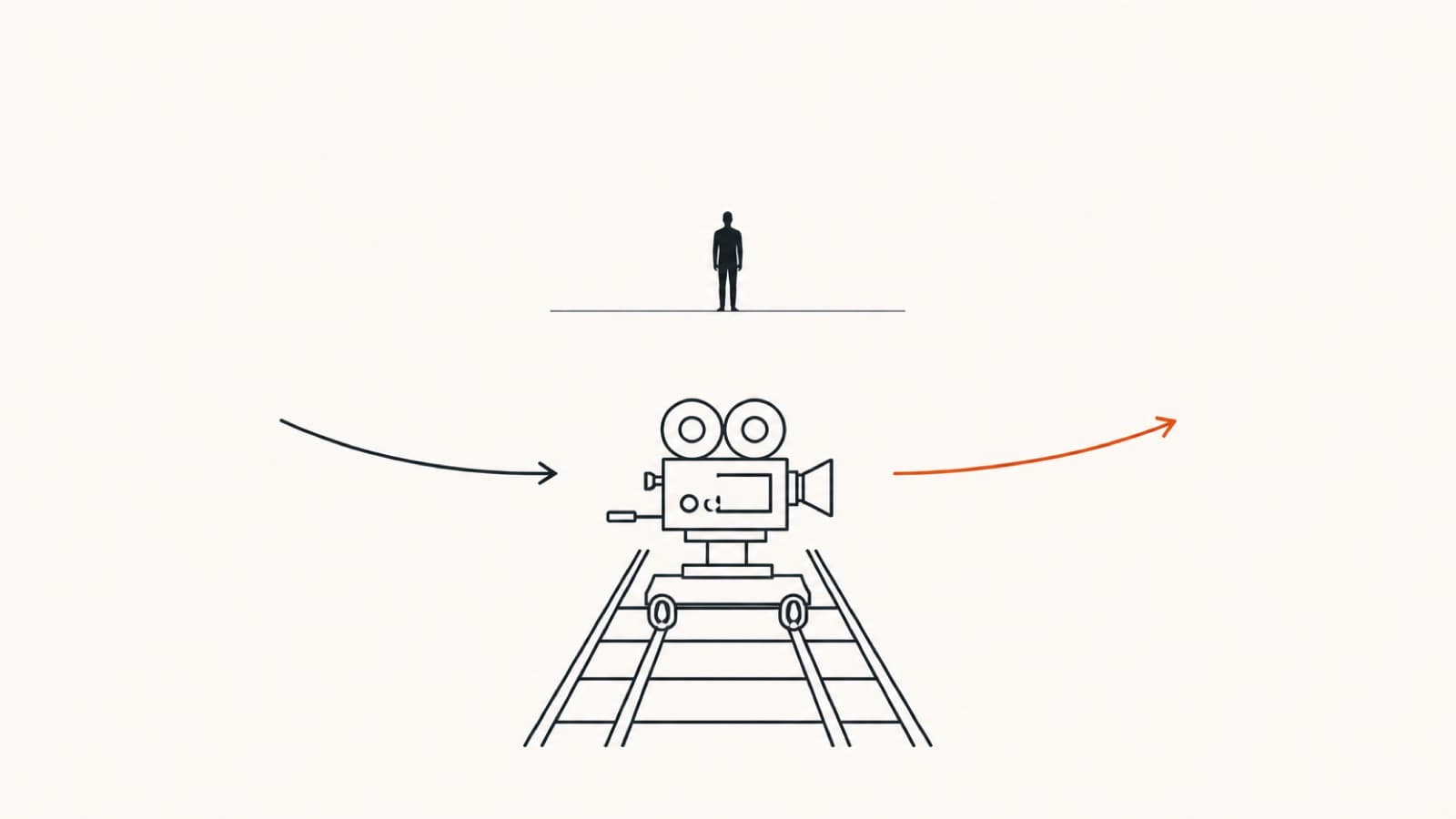
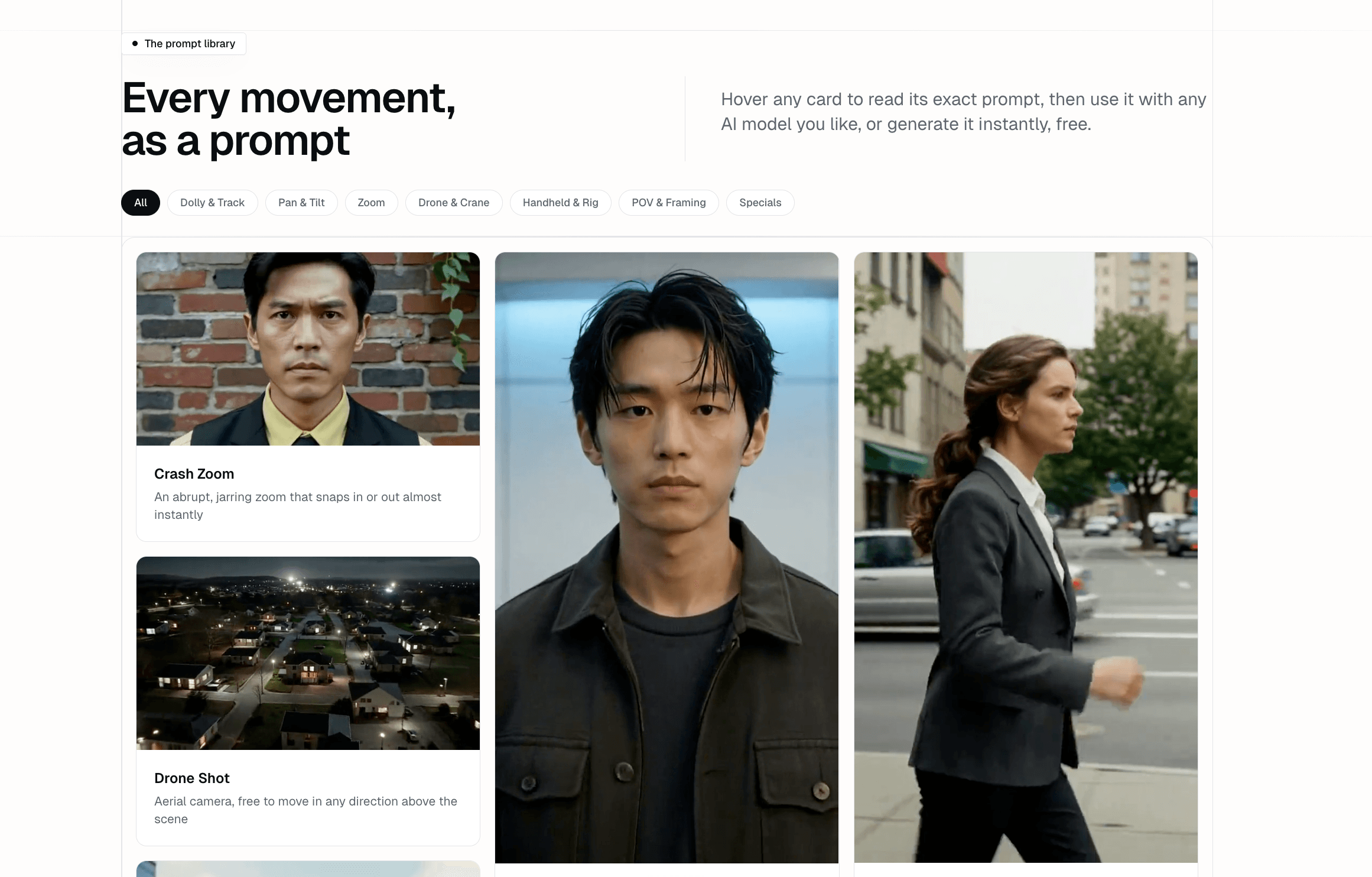
A dolly zoomis the shot where the subject stays the same size while the world behind them stretches or rushes in, made by moving the camera and the lens in opposite directions at matched speed. It was invented for Hitchcock's Vertigoin 1958 and has been one of cinema's hardest camera moves ever since. With AI video, the rig disappears: the whole move collapses into a prompt of roughly 60 words. The free camera movements library gives you that prompt (and 13 other movements) ready to paste into any AI model you like.
The dolly zoom is the only basic camera move where the subject holds still and the world does the moving. That is what makes it instantly recognizable, and what makes it so hard to fake.
What a dolly zoom actually is
A dolly zoom is a camera technique in which the camera physically dollies toward or away from the subject while the lens zoomsin the opposite direction at exactly matched speed, so the subject stays the same size in frame while the background's perspective warps. Paramount second-unit cameraman Irmin Roberts invented it in 1958 for Alfred Hitchcock's Vertigo.
Because the two motions cancel each other out on the subject, the subject is protected. The background is not: its perspective stretches or compresses dramatically, which the brain reads as dread, vertigo, or a sudden realization. That Vertigo origin is why the move is also called the vertigo effect, and you may see it named a zolly, a contra-zoom, or a Hitchcock zoom. Same move, four names.
The fastest way to understand it is to perform it. Drag the slider: you are pulling the camera back (2 m to 8 m) and zooming in (24 mm to 96 mm) at the same time.
Top view: the camera and the lens move against each other
What the lens sees
- Camera distance
- 2.0 m
- Lens focal length
- 24 mm
- Subject in frame
- locked
- Background size
- +0%
Dolly vs. zoom vs. dolly zoom
The difference comes down to what moves. A dolly moves the entire camera through space, a zoom changes only the lens's focal length, and a dolly zoom does both at once in opposite directions. The one-second test: if the subject changes size during the move, it is a zoom; if the subject stays locked while the background warps, it is a dolly zoom.
People mix these up constantly, and AI video models are trained on people mixing them up, which matters later in this post.
| Move | What moves | What the viewer feels |
|---|---|---|
| Dolly | The whole camera travels; perspective shifts naturally | You walk toward or away from the subject |
| Zoom | Only the lens; the camera never moves, the image magnifies | The image is pulled closer, flat, like binoculars |
| Dolly zoom | Both at once, in opposite directions, matched in speed | The subject holds still while reality bends behind them |
Famous dolly zoom examples
The four most-cited dolly zoom examples in film are Vertigo (1958), Jaws (1975), Goodfellas (1990), and The Lord of the Rings: The Fellowship of the Ring(2001). Each uses the same trick, holding the subject steady while the world warps, to mark the exact moment a character's reality shifts.
In Vertigo, the shot looks down the mission bell-tower stairwell as Scottie's acrophobia hits, and the well appears to fall away beneath him. In Jaws, Spielberg reverses the directions (dolly in, zoom out) on Chief Brody's face on the beach the instant he realizes a shark attack is happening. Goodfellas runs it so slowly across the diner scene that you barely notice the window closing in behind Ray Liotta. And in Fellowship, the forest road itself stretches as Frodo senses the Ringwraith coming. Once you can name the move, you will see it everywhere: Poltergeist's endless hallway is the same trick pushed to a nightmare extreme.
Why this shot is brutal to pull off with a real camera
A real dolly zoom needs three things at the same time: a dolly and track (or a very steady gimbal walk), a zoom lens with a smooth manual throw, and both motions matched frame-perfectly for the entire take. In 1958 even Hitchcock couldn't afford to do it for real: the Vertigo stairwell was a model laid on its side, and the few seconds of footage cost about $19,000 at the time.
The failure modes are unforgiving. Dolly slightly too fast and your subject visibly shrinks; zoom slightly too fast and they grow. Focus drifts the whole time because your distance to the subject is changing. Professional crews solve this with rehearsed dolly grips or motorized rigs. Beginners mostly solve it by giving up, which is why every filmmaking forum has a thread titled some variation of “why does my vertigo shot look like a plain zoom?”
That difficulty profile is exactly upside down for AI video. An AI model has no rig, no focus ring, and no timing problem; its only problem is understanding what you meant. Which brings me to the experiment.
The experiment: getting an AI model to do a real dolly zoom
To test how AI video handles the dolly zoom, I generated demo clips for all 18 movements in the camera movements library with the same subject, a woman standing in a street, so the moves could be compared like-for-like. Seventeen of the eighteen behaved. The dolly zoom was the one that fought back, and it always failed the same way: the model swapped in a plain zoom.
My first attempts described the feeling instead of the mechanics: “vertigo effect, the camera zooms dramatically.” The models gave me the subject ballooning in frame with no background warp at all. Naming the move helped, but not enough: even prompting “dolly zoom” outright, the subject's size drifted in most takes, which is precisely the thing a dolly zoom must never do. Remember, the models learned from the same internet that confuses dollies with zooms.
Takes that produced a true dolly zoom, out of 10
Same subject and model settings; only the prompt changed. A take counts if the subject size stays locked while the background warps.
“vertigo effect, dramatic camera” (vague one-liner)
“dolly zoom” (correct name, nothing else)
Structured prompt: both moves named + subject size locked
And here is the take that worked, the clip that now lives in the library:
The exact prompt that finally worked
The dolly zoom prompt that works names both physical motions explicitly and pins one constraint: the subject's size never changes. It is about 60 words long, and the same text runs unchanged in Veo 3.1, Kling 3.0, and SeeDance 2.0. This is it, verbatim from the library; swap [your subject] for whatever you are filming:
dolly zoom. Movement: physically move the camera backward away from [your subject] while the lens simultaneously zooms in. Speed: both movements matched exactly so the subject's size never changes. Framing: subject stays the exact same size in frame throughout, only the background behind it stretches. End: hold on the completed warp, subject unchanged, background distorted.
Two lines carry all the weight. First, naming both physical motions (“move the camera backward” and “the lens simultaneously zooms in”), because “dolly zoom” alone is ambiguous to a model trained on mislabeled footage. Second, the constraint that makes or breaks the shot: “the subject's size never changes” is the text version of the matched-speed rig. Once it is in the prompt, the model has no room to drift into a plain zoom.
How to make your own dolly zoom clip
Making a dolly zoom with AI takes about two minutes and five steps: open the free camera movements library, swap your subject into the dolly zoom prompt, copy it, render a 5-8 second clip in any AI model you like, and check that the subject's size stays locked. In detail:
- 1Open the camera movements libraryIt's free and needs no signup. The dolly zoom is in the Zoom category, next to 13 other movements with demo clips.
- 2Swap in your subjectReplace [your subject] with what you're filming: a person on a beach, a product on a table, your dog in the yard. Keep the rest of the prompt intact.
- 3Copy the structured promptOne click. You get the full prompt with the movement, speed, framing, and end state spelled out.
- 4Render it in any AI model you likePaste the prompt into an AI video studio and generate. A 5-8 second clip is the sweet spot for the full warp to land.
- 5Check the one thing that mattersPlay the clip and watch the subject's size. If it stays locked while the background moves, you have a dolly zoom. If the subject grows, re-roll the take.
Bottom line
For sixty-plus years the dolly zoom belonged to crews with tracks, grips, and rehearsal time; Hitchcock needed a sideways model and $19,000 to get his. Today the barrier is not equipment, it is vocabulary: name both motions, lock the subject's size, and any decent AI video model will hand you the vertigo effect within a take or two. Grab the prompt from the free camera movements library and warp some backgrounds.
Frequently asked questions
What is a dolly zoom?
A dolly zoom is a camera move where the camera physically dollies toward or away from the subject while the lens zooms in the opposite direction, at matched speeds. The subject stays the same size in frame the whole time, but the background's perspective warps dramatically, stretching away or rushing forward. Viewers read it as vertigo, dread, or a sudden realization, which is why directors save it for turning-point moments.
Why is the dolly zoom called the vertigo effect?
Because Alfred Hitchcock made it famous in Vertigo (1958), using it to visualize the detective's fear of heights in the bell-tower scenes. The technique has collected names ever since: the vertigo effect, the zolly, the contra-zoom, and the Hitchcock zoom all describe the same move.
What is the difference between a dolly zoom and a regular zoom?
A regular zoom changes only the lens: the camera stays put and the whole image magnifies evenly, subject and background together. A dolly zoom moves the camera and the lens against each other, so the subject's size stays constant while only the background changes. If the subject grows or shrinks during the move, it's a zoom (or a failed dolly zoom), not the real effect.
How do you do a dolly zoom with a real camera?
You mount the camera on a dolly (or walk it on a gimbal), then dolly in while zooming out, or dolly out while zooming in, keeping both speeds matched so the subject never changes size in frame. In practice that takes a track, a smooth zoom lens, continuous refocusing, and a lot of rehearsal, which is why it's considered one of the hardest standard camera moves for beginners.
How do I make a dolly zoom with AI video?
Describe the mechanics, not the vibe. Prompt the model to physically move the camera backward while the lens simultaneously zooms in, and state explicitly that the subject's size must never change while only the background stretches. The free camera movements library writes that structured prompt for you: swap in your subject, copy it, and render it in any AI video model. No signup needed.
Which AI video model does dolly zooms best?
Any of the current top models can produce one when the prompt names both motions and locks the subject's size: Veo 3.1, Kling 3.0, and SeeDance 2.0 all handle it, and results depend more on the prompt than the model. The AI video studio we link to bundles several models, so you can run the same dolly zoom prompt across them and keep the best take.
Keep reading
Image to Video AI: How to Turn Any Photo Into a Video (Free)
A beginner's guide to free image-to-video AI: start from a real photo (especially for faces), the motion-prompt formula, and why SeeDance 2.0 beats Kling, Veo, Grok, and Midjourney.
Read moreHow to Make a Talking Dog Video for Free (the 'I'mma Bite You' Meme)
The behind-the-scenes method: I had Gemini watch the viral clip and write the prompt that recreates it, with no motion software and no $40/month tool. How to replicate it free with your own dog.
Read more