Free · No creator · No filming · No signup

Create winning UGC ads with AI

Pick a proven UGC style, get its expert-written prompt pre-filled in Studio AI, add your product photo there, and generate a hyper-realistic phone-shot ad.

How it works
How it works

From template
to UGC ad in 3 steps

No creator fees, no filming, no editing skills — and nothing to upload here. Pick the style you like, make the prompt yours in Studio AI, and generate the ad.

1

Pick your UGC style

Browse the template gallery below — podcast, gym, bathroom, car-adjacent desk takes and more. Each card is a proven UGC format with an expert-written prompt behind it.

2

Edit the prompt & add your images

The prompt opens pre-filled in Studio AI. Tweak any line you want — the hook, the setting, the wording — then attach your product photo right there.

3

Get your UGC AI video

Hit generate and Studio AI renders your hyper-real, phone-shot UGC ad — your exact product, held and pitched like a real customer filmed it.

The UGC look

Looks filmed,
not rendered

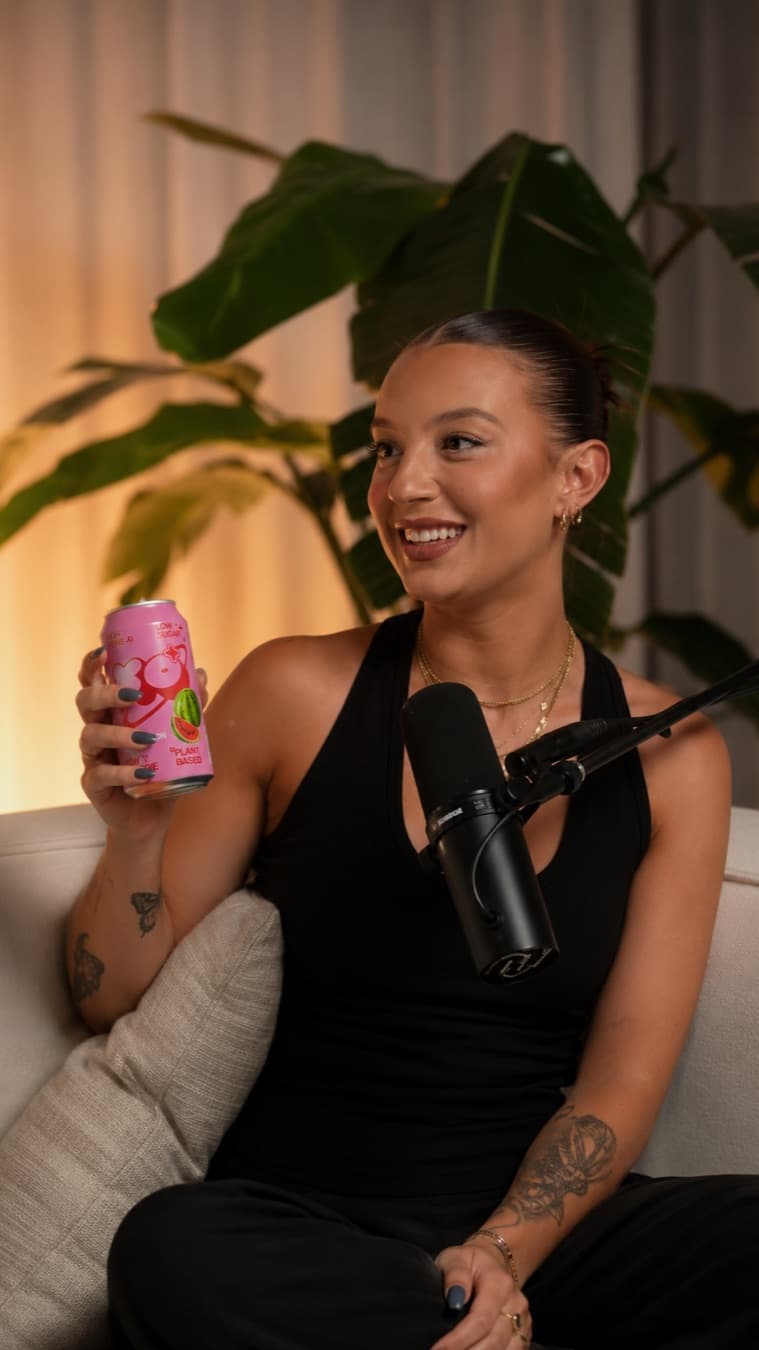
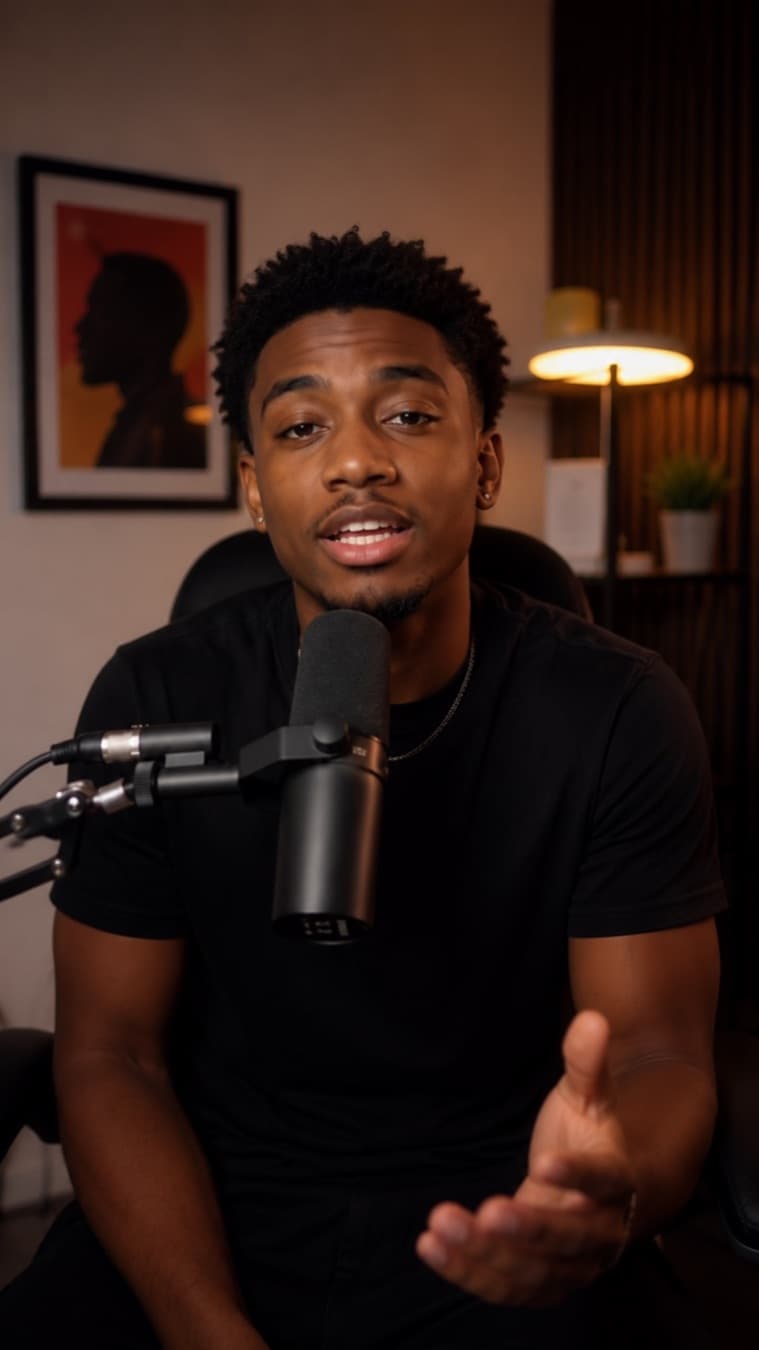
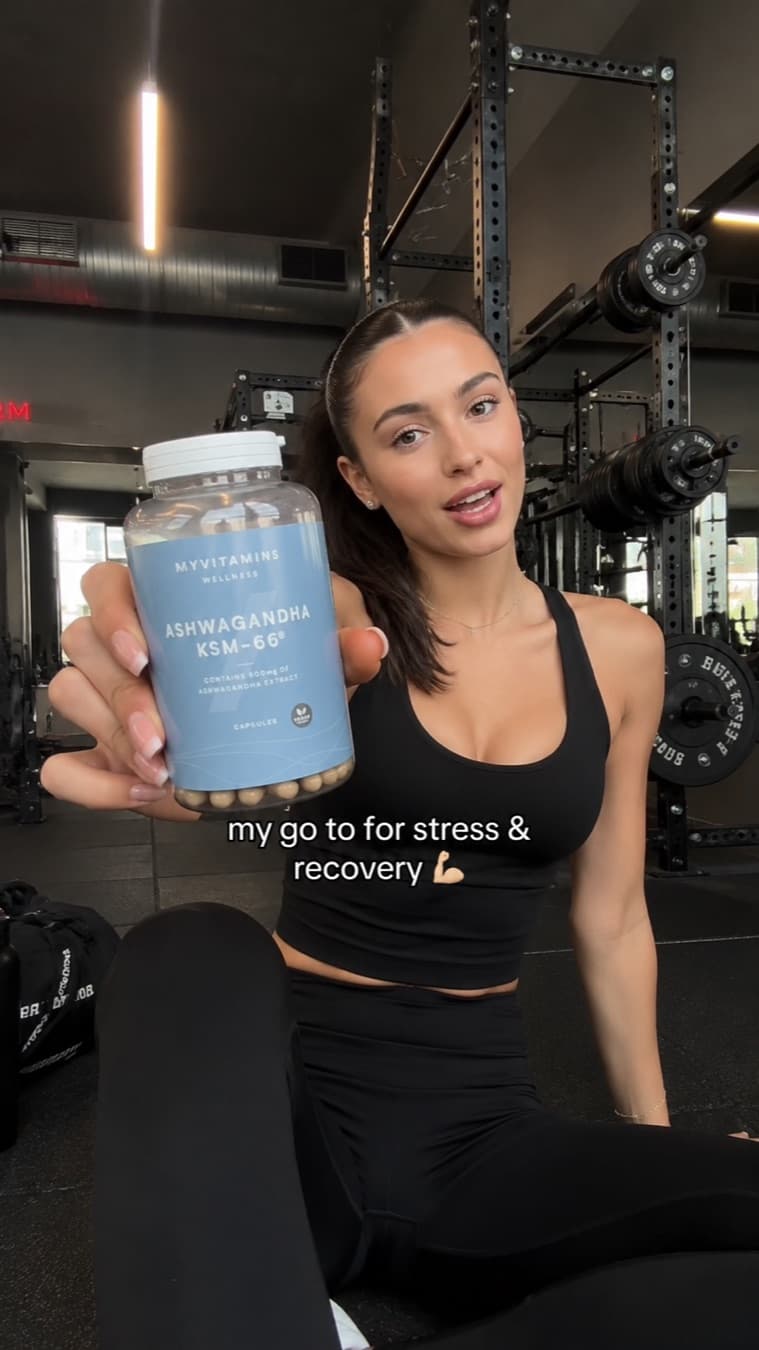
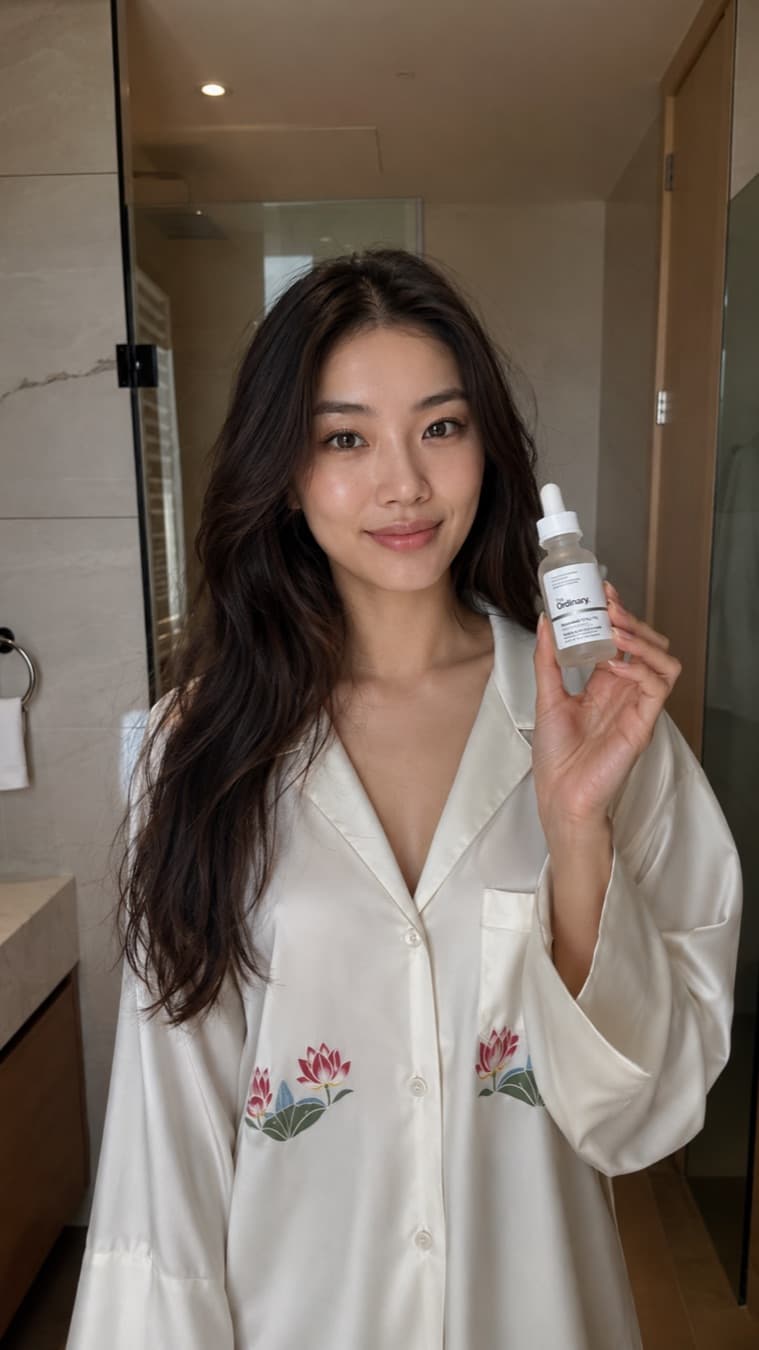
Every prompt is engineered for the authentic, handheld UGC feel that actually converts — natural light, a real room, believable skin, and a first-person hook. Not a glossy studio ad.

Podcast Reaction AI UGC ad example
Podcast Hot Take AI UGC ad example
Gym Recovery AI UGC ad example
Bathroom Routine AI UGC ad example
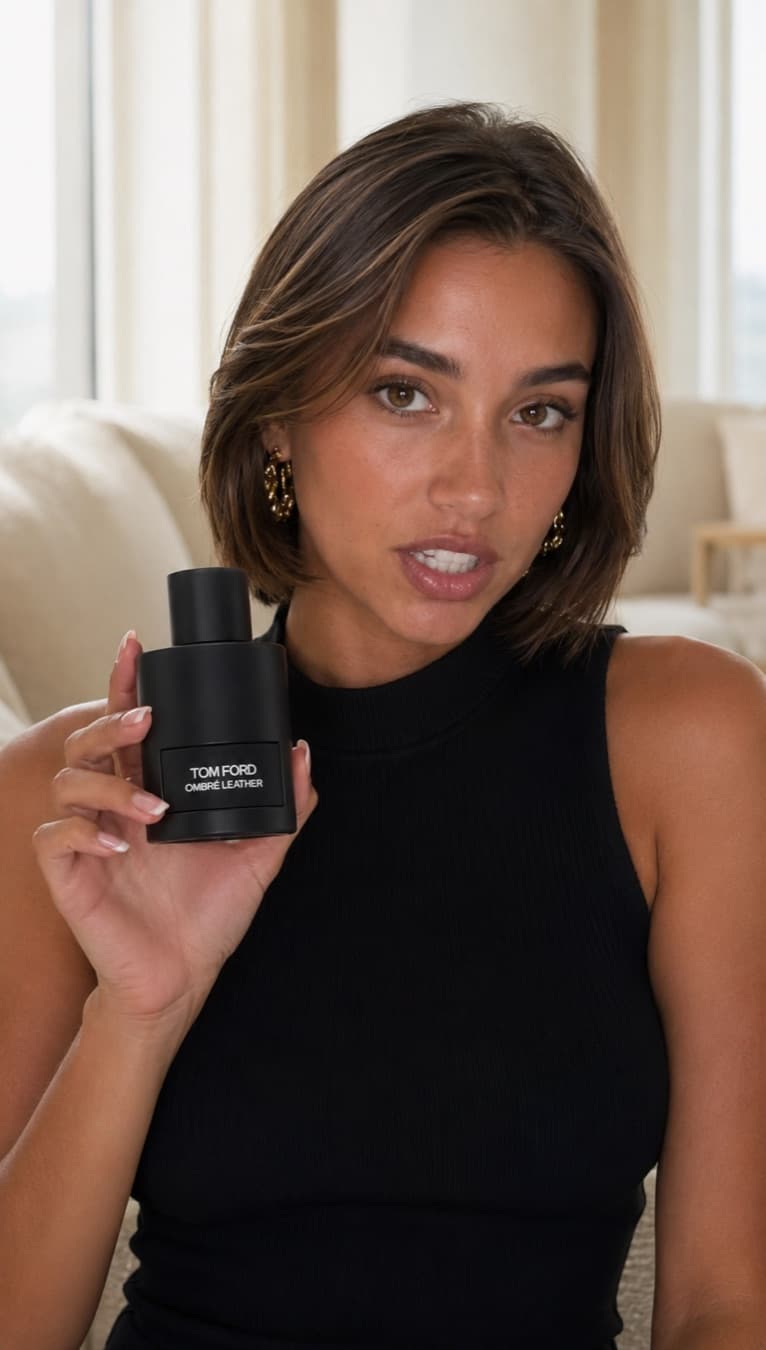
Fragrance Review AI UGC ad example
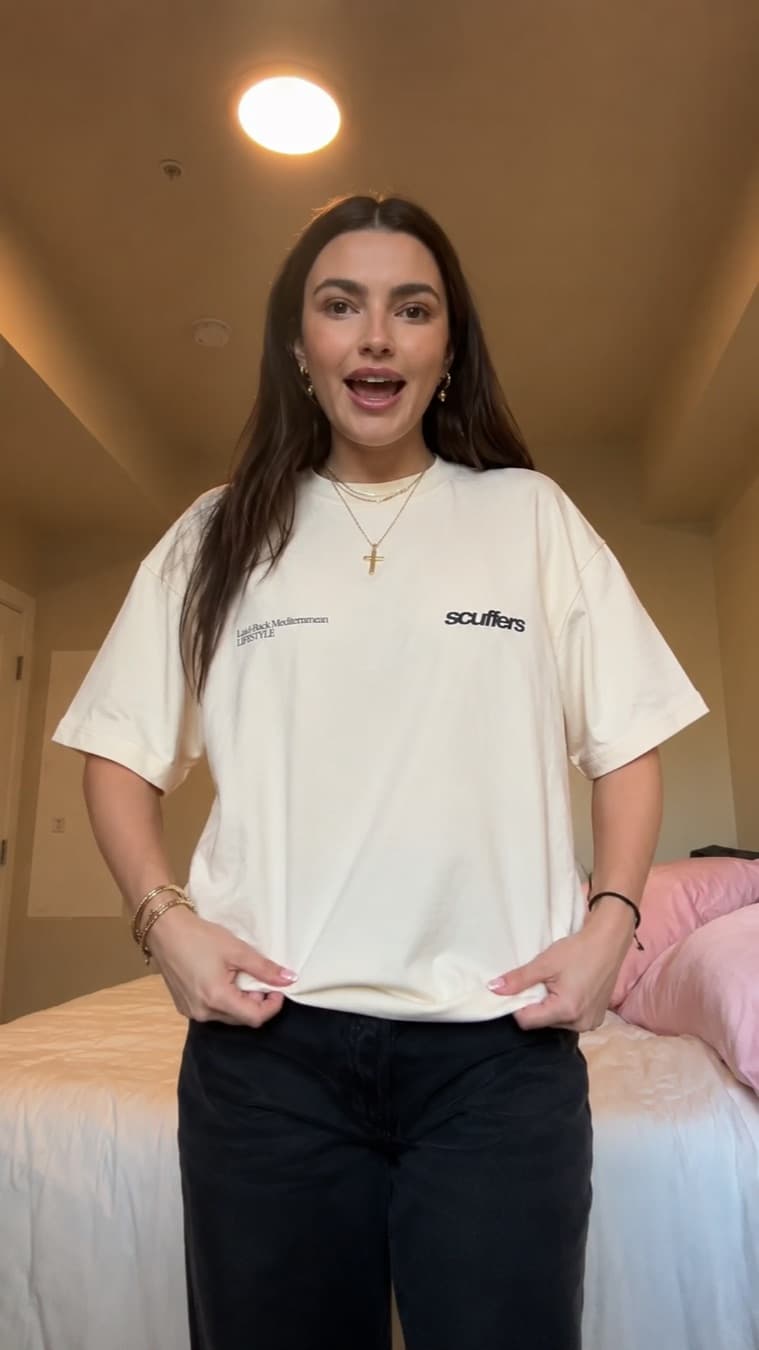
Bedroom Try-On AI UGC ad example
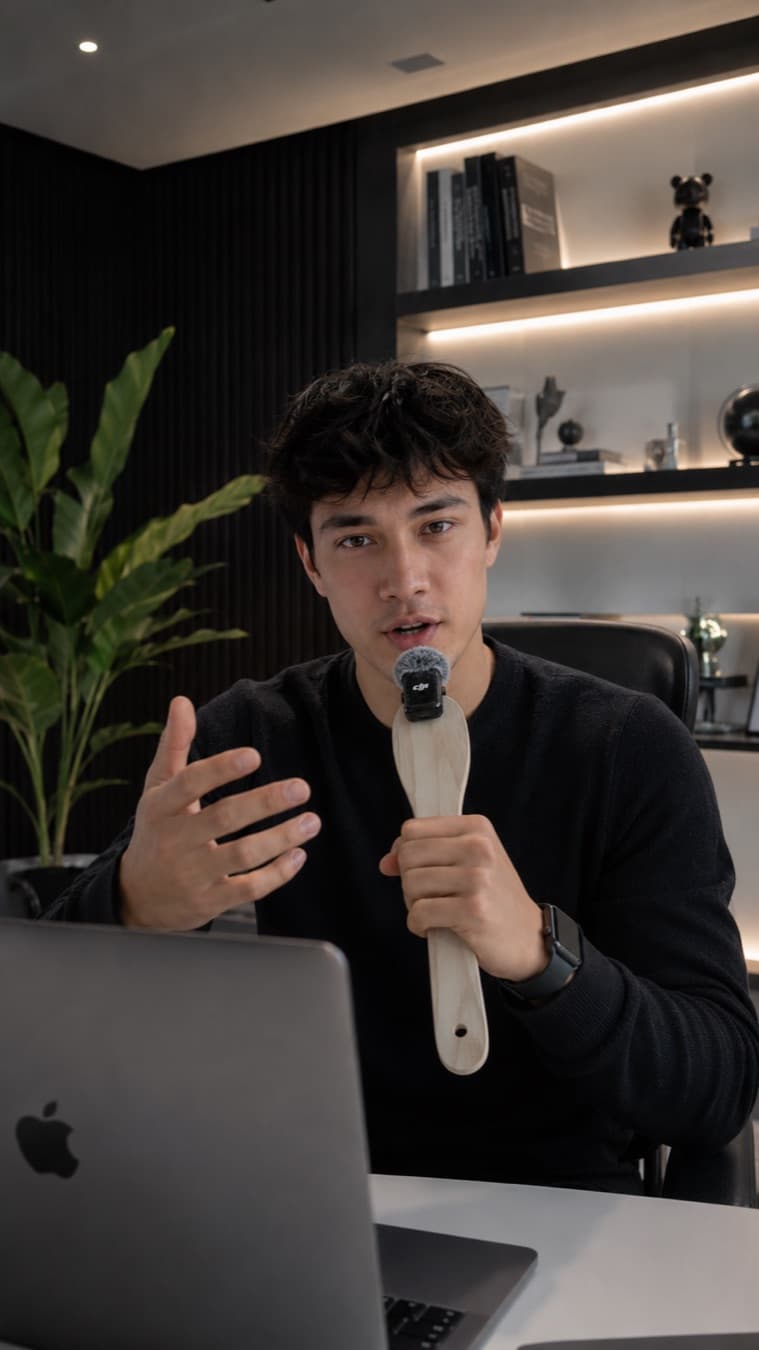
Desk Review AI UGC ad example
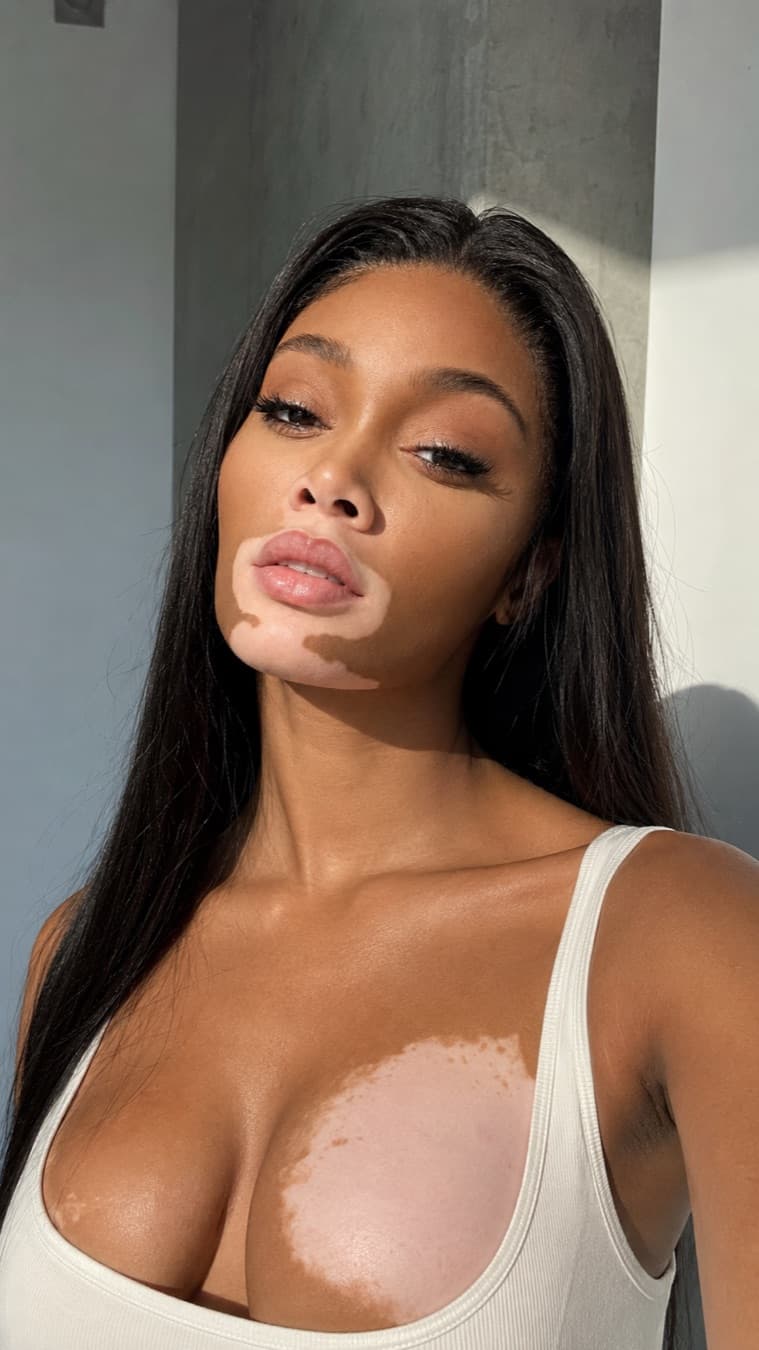
Golden Hour Selfie AI UGC ad example
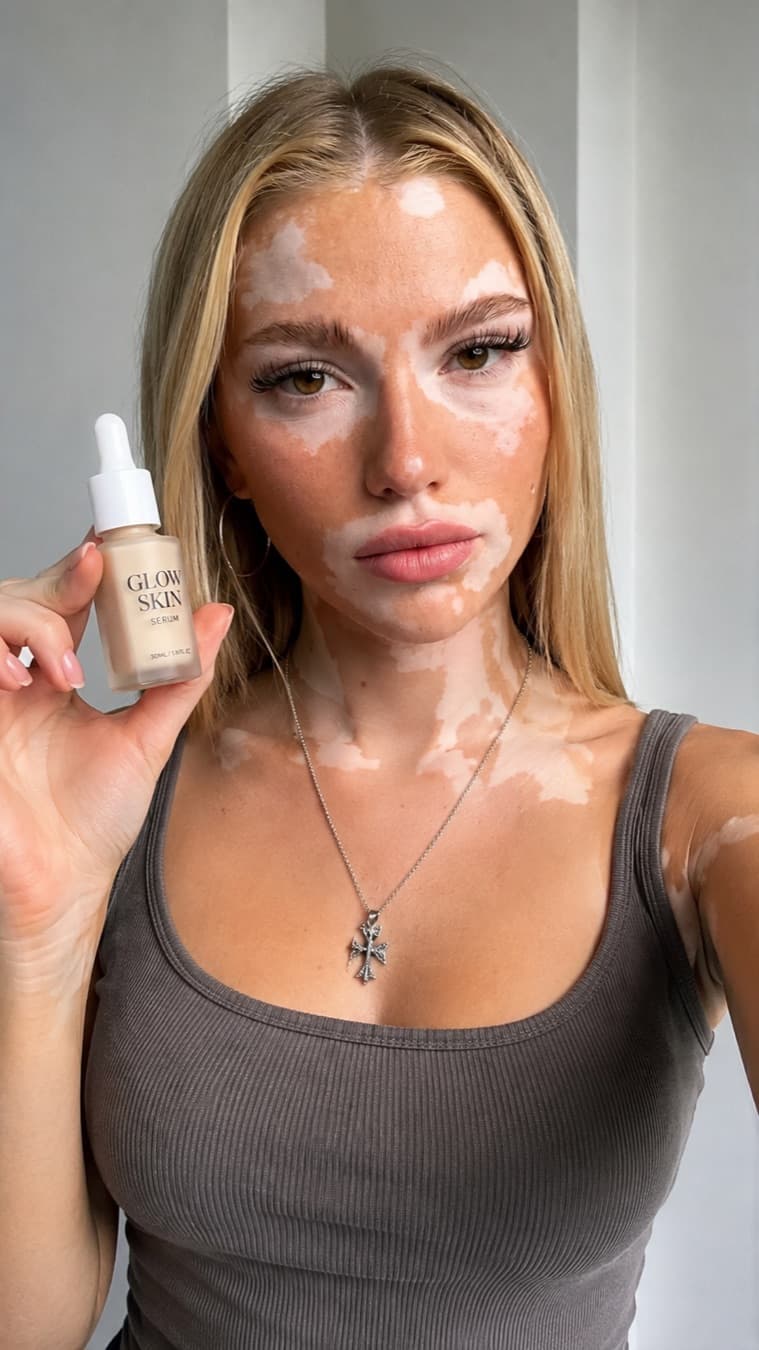
Serum Selfie AI UGC ad example
The ad templates

A real ad,
beat by beat

Every card below is a proven UGC format — podcast shoutouts, gym recommendations, bathroom routines. Tap one to see the exact prompt behind it, then recreate it with your own product.

Renders in the best AI video models

Veo 3.1 Kling 3.0 Runway Gen 4.5 SeeDance 2.0 Luma Ray 2 Pika 2.1

Frequently asked questions

Everything you need to know about making AI UGC video ads

What does this AI UGC video generator do?+

You pick one of the ready-made UGC style templates — podcast shoutout, gym recommendation, bathroom routine, and more — and its expert-written video prompt opens pre-filled in Studio AI, Creative Fabrica's AI video generator. There you attach your product photo, tweak any line you want, and generate a hyper-realistic, phone-shot UGC ad clip. It's free, needs no signup, and takes seconds.

What is a UGC video, exactly?+

UGC stands for user-generated content — the casual, first-person, phone-shot style of clip a real customer or creator would post. It looks handheld and honest, not like a polished studio ad: natural lighting, a real room, believable skin texture, and a person talking straight to camera about a product. That authentic, non-salesy feel is exactly why UGC ads convert on TikTok, Reels, and Shorts — and it's what these templates are built to recreate.

What is AI UGC?+

AI UGC is user-generated-content-style video made with AI instead of a hired creator: an AI-generated person shows or talks about your product in that casual, phone-shot format, so you get the authentic UGC look without filming, creator fees, or shipping products out. This page gives you the prompts: pick a template and its expert-written UGC prompt opens pre-filled in Studio AI, where you add your product photo and render the clip.

Are the AI UGC prompts really free?+

Yes. Browsing the templates and getting the full prompt is completely free and needs no signup. Generating the final video happens in Studio AI, which has a free tier and starts at a fraction of what dedicated UGC ad tools charge. You attach your product photo there and render the clip.

Where can I find UGC video examples and ideas?+

The template gallery on this page doubles as a library of UGC video examples: podcast shoutouts, gym recommendations, bathroom routines, desk reviews and more, each one a proven format you can watch and copy. If you need UGC ideas for your own product, start from the style closest to your niche and swap in your product, hook, and setting.

Do I need to write a UGC script?+

No. Every template already includes a complete UGC script: the spoken hook, the beats of the ad, and the creator's actions, written by prompt experts who studied hundreds of winning UGC ads. You can use it as-is or edit any line in Studio AI before generating, which is much easier than starting a script from scratch.

What's the best AI tool for creating UGC ads?+

Dedicated AI UGC platforms like Arcads or MakeUGC work well but typically start around $40 or more per month. This page takes a different route: the UGC prompts here are free, and they open pre-filled in Studio AI, Creative Fabrica's AI video generator, where plans start at a fraction of that. If you want realistic AI avatars pitching your exact product without hiring creators, this is the cheapest way to do it.

Does it keep my product looking exactly like my photo?+

Yes — every template prompt references your product image (@img1), so when you attach your product photo in Studio AI, the model locks onto its real label, shape, and colour. The creator in the clip picks up, applies, or shows that exact product, not a generic stand-in.

Can I change what the creator says or does?+

Absolutely. The prompt lands in Studio AI fully editable — change the opening line, the setting, the tone, or the action before you hit generate. Every UGC ad lives or dies on its first five seconds, so the highest-leverage edit is making the hook specific to your product: the pain point it solves, or a line like "I thought this was just hype…" in a casual, honest creator voice.

Can I use a different creator or model in the video?+

Yes. Each template describes its creator in plain text — swap that description in Studio AI for the look you want (age, style, setting stays the same), or go further and rewrite the scene entirely. The template just gives you a proven starting point so you're editing, not staring at a blank prompt box.

Which AI video models does the prompt work with?+

The templates open in Studio AI with SeeDance 2.0 pre-selected, because it accepts reference images — that's how your product photo locks into the clip. The prompts are written for hyper-realistic, talking UGC output, so they also run well in Veo 3.1 and Kling 3.0; Studio AI gives you all of these models in one place, so you can render the same prompt across a few and keep the most believable take.

The guide

AI UGC video ads, explained

What a UGC video is, why the authentic phone-shot look converts, and how to turn a ready-made UGC template into your own ad with Studio AI for free.

What is a UGC video?

UGC stands for user-generated content — the casual, first-person, phone-shot clips a real customer or creator posts. A UGC ad looks handheld and honest, not like a polished studio commercial: natural window light, a real bedroom or bathroom, believable skin texture, and one person talking straight to camera about a product they actually use. That unpolished, non-salesy feel is exactly why UGC ads outperform glossy brand films on TikTok, Instagram Reels, and YouTube Shorts — they read as a recommendation from a friend, not an interruption.

An AI UGC generator gets you that look without a creator. Instead of paying and waiting a week, you pick a proven UGC style below and get a ready-to-run UGC style video prompt pre-filled in Studio AI in seconds.

How to turn a product photo into a UGC ad

You don't need a creator, a camera, or an editing suite — and you don't need a $300-per-video UGC agency either. The whole thing takes a minute:

  1. Pick your UGC styleBrowse the template gallery — podcast shoutouts, gym recommendations, bathroom routines and more. Each card is a proven UGC format with an expert-written prompt behind it.
  2. Tweak the prompt in Studio AIThe prompt opens pre-filled in Studio AI, Creative Fabrica's AI video generator. Edit the hook, the setting, or the creator's look — or run it exactly as written.
  3. Add your product photoAttach a clean shot with the label readable right there in Studio AI. The prompt references it (@img1), so the product on screen is your exact product.
  4. Generate your UGC adHit generate and Studio AI renders a hyper-real, phone-shot UGC clip — vertical 9:16, sized for TikTok, Reels, and Shorts.

Why the hook is everything

Every UGC ad lives or dies on its first five seconds. That's why the highest-leverage edit you can make in Studio AI is the opener — a bold, relatable line the creator actually says, like “I thought this was just hype…”, “If you've tried everything and nothing worked, watch this,” or “Here's what actually helped.”Keep the tone first-person and honest, full of contractions and free of marketing lingo, because that's what stops the scroll. The templates already follow the structure top creators use — hook, problem, product, benefit — compressed into one tight clip.

Run the same template several times with different hooks — the prompt is free, so you can test ten angles in a morning and keep the one that converts.

Keeps your product exactly right

The whole point of an AI UGC ad is that it's your product on camera. Every template prompt references your product image (@img1), so when you attach your photo in Studio AI the model locks onto the real label, shape, and colour. The creator picks up, applies, or shows that exact product — never a generic stand-in — and if you want a different creator, the prompt describes them in plain text you can rewrite.

A free AI UGC generator vs. hiring a creator

Hiring UGC creators means $150–$300 per video, a 5–7 day wait, and hoping the hook lands. A UGC video generatorflips that: the templates and prompts are free, need no signup, and you can test ten hook angles in a morning. You render the actual clips in Studio AI — Creative Fabrica's AI video generator, the cheapest option around, with a free tier — and post the finished TikTok UGC ad.

Output is vertical 9:16 by default — sized for TikTok, Instagram Reels, and YouTube Shorts, exactly where UGC ads perform.

Which AI video model makes the best UGC ads?

UGC clips live and die on two things: realism (does the person look like a real human on a real phone?) and audio (does the mouth match the hook?). The templates open in Studio AI with SeeDance 2.0 pre-selected because it accepts your product photo as a reference image, and the prompts also run well in models with strong human realism and native audio like Veo 3.1 and Kling 3.0. Studio AI gives you all of them in one place.

One tip: the prompt references your product photo as @img1, so attach it in Studio AI before you hit generate. Selling a product? A UGC ad pairs perfectly with a short product-only clip.

Ready to make yours? Scroll up, pick the UGC style that fits your product, and recreate it in Studio AI in a couple of minutes.

Your product
needs a UGC ad

Pick a proven UGC style, add your product photo in Studio AI, and generate a hyper-real UGC ad in minutes. Free, no signup.