



What is an AI scene generator?
An AI scene generator produces a complete written description of a location for AI image and video models: the architecture, the materials and colors, the depth layers, the light sources and the things that move. This one is a library of hand-written environment sheets rather than an AI that invents a new place each time, which is the point: a fixed sheet you reuse is what keeps a location consistent, while a freshly generated description changes the place every time you ask.
Why AI video locations drift
Video models rebuild the world from your words on every generation. Describe the setting loosely ("a city street", "a cozy cabin") and the model averages together every street or cabin it knows, differently each time, so your establishing shot, your close-up and your reverse angle quietly happen in three different places. The fix is the same one that works for faces: write the place once, in detail, and reuse the identical text in every shot. The sheet pins the model to one specific location the way a character sheet pins it to one specific face.
How to use an environment sheet
Pick an environment above and dial in the conditions: each time-of-day chip swaps a hand-written lighting sentence tuned to that place (where light enters, what glows), and weather and crowd work the same way. Then either copy the assembled block into any AI model you like, or hit Create this scene to open it pre-filled in a video generator. For multi-shot sequences, keep the sheet text identical between clips and change only the action and camera. To film a person there, paste the scene into your prompt alongside a character description, for example one of our character sheets, so both the who and the where stay locked.
Scene prompts for image models, not just video
Every sheet here is plain descriptive language, so it works as an image prompt as readily as a video one. Paste a sheet into an image model as a Midjourney landscape prompt, an AI background prompt or a general scenery prompt, and you get a still of the same place. The reference image on each card was generated from its scene text, so the picture is a preview of what the prompt makes. For video, keep the camera line and the moving elements; for a clean still, you can drop them.
Writing your own scene sheet
If you need a place this library doesn't have, steal the format: one paragraph, present tense, with concrete materials and colors, three depth layers (a foreground detail, a midground anchor, a background horizon), the practical light sources that exist in the place, and at least two things that can move, steam, water, fabric, flickering light, so the video model has motion to work with. Leave time of day, weather and people out of the base paragraph and add them as separate sentences, exactly like the chips here do, and you can re-dress the same location without rebuilding it.
The environment library
Seventeen environments across five categories. Every block below copies the environment's default scene sheet; use the cards above to change the time of day, weather, crowd, or to put a character in the scene.
Urban
City Street
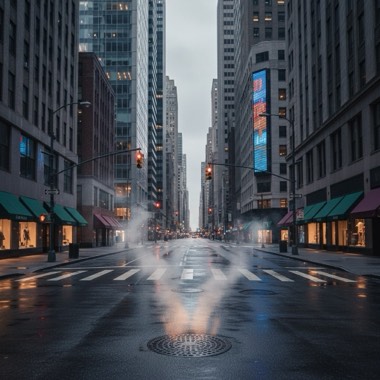
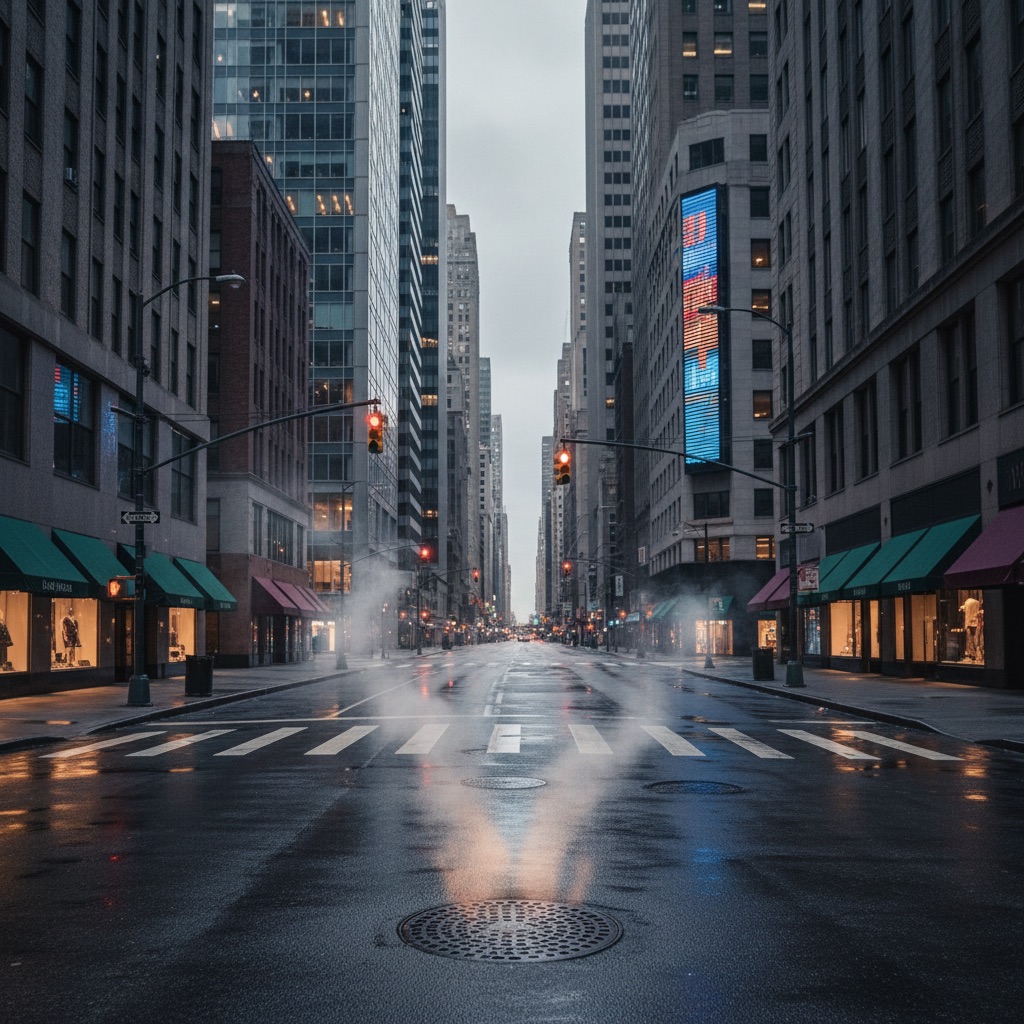
A city street background gives AI video a ready-made engine of motion and depth: steam rising from grates, signal lights cycling, awnings and pennant flags stirring, all inside a canyon of receding towers that sells scale in a single frame. This sheet locks the street's specifics, the granite-and-glass facades, the crosswalk paint, the corner LED board, so the location reads as the same place across every shot instead of a generic downtown. Light behaves predictably here too: signage and traffic signals carry the frame when the sky strip overhead goes dark. Use it as a city street scene for AI video dialogue, fashion walks, product b-roll, or any clip that needs believable urban energy behind a subject.
Subway Platform
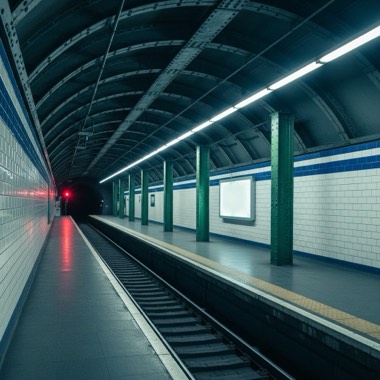
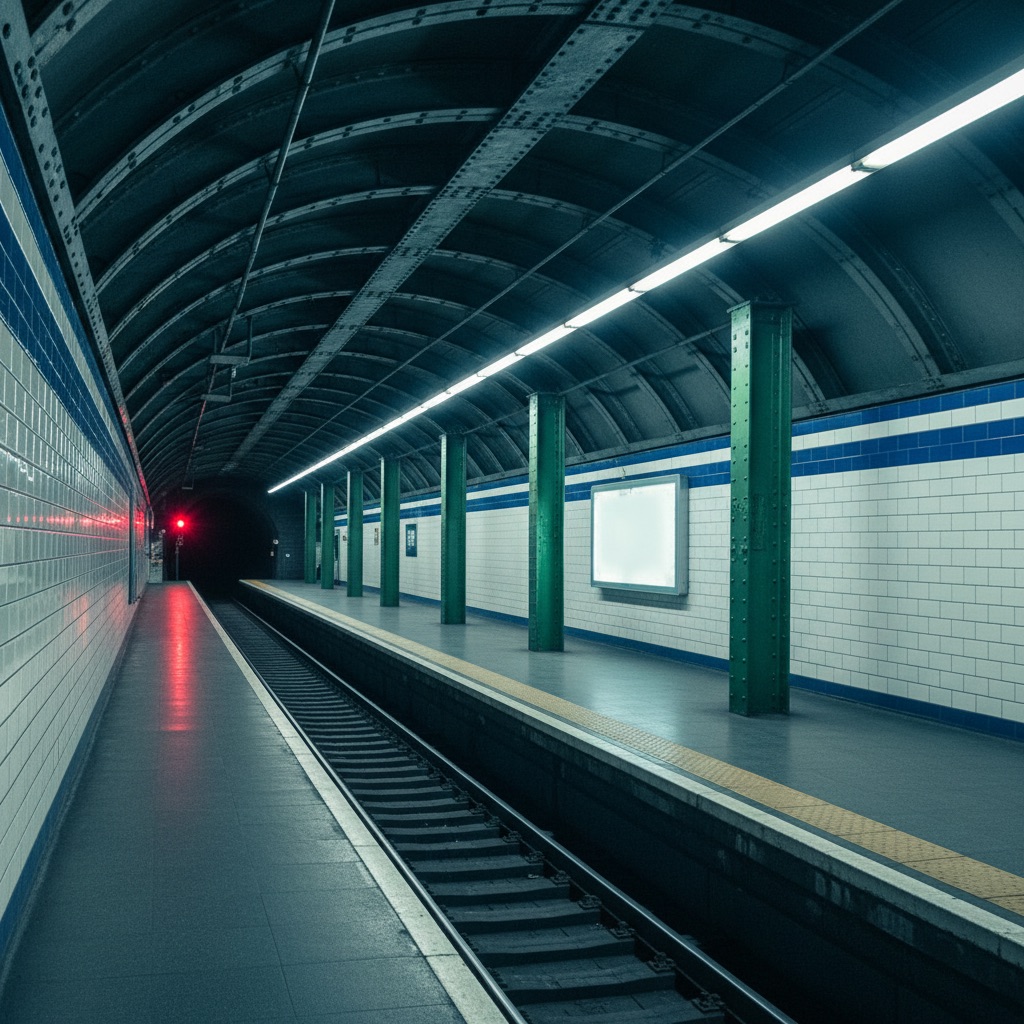
A subway platform background works in AI video because the space is built from strong repeating geometry: tiled walls, marching columns, and a platform edge that pulls the eye straight to the tunnel mouth. That built-in perspective gives generators depth cues they rarely miss, while the flickering fluorescent tube, drifting tunnel air, and water threading the track bed supply constant subtle motion. This sheet pins down the details that keep the station consistent across shots, the cobalt tile band, the mosaic plaque, the yellow tactile strip, so cut-together clips feel like one location. Fully enclosed and artificially lit, it holds its look at any hour, making it a dependable subway platform scene for AI video dialogue, music visuals, and moody b-roll.
Neon Tokyo Alley
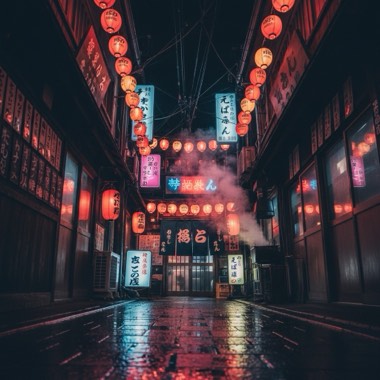
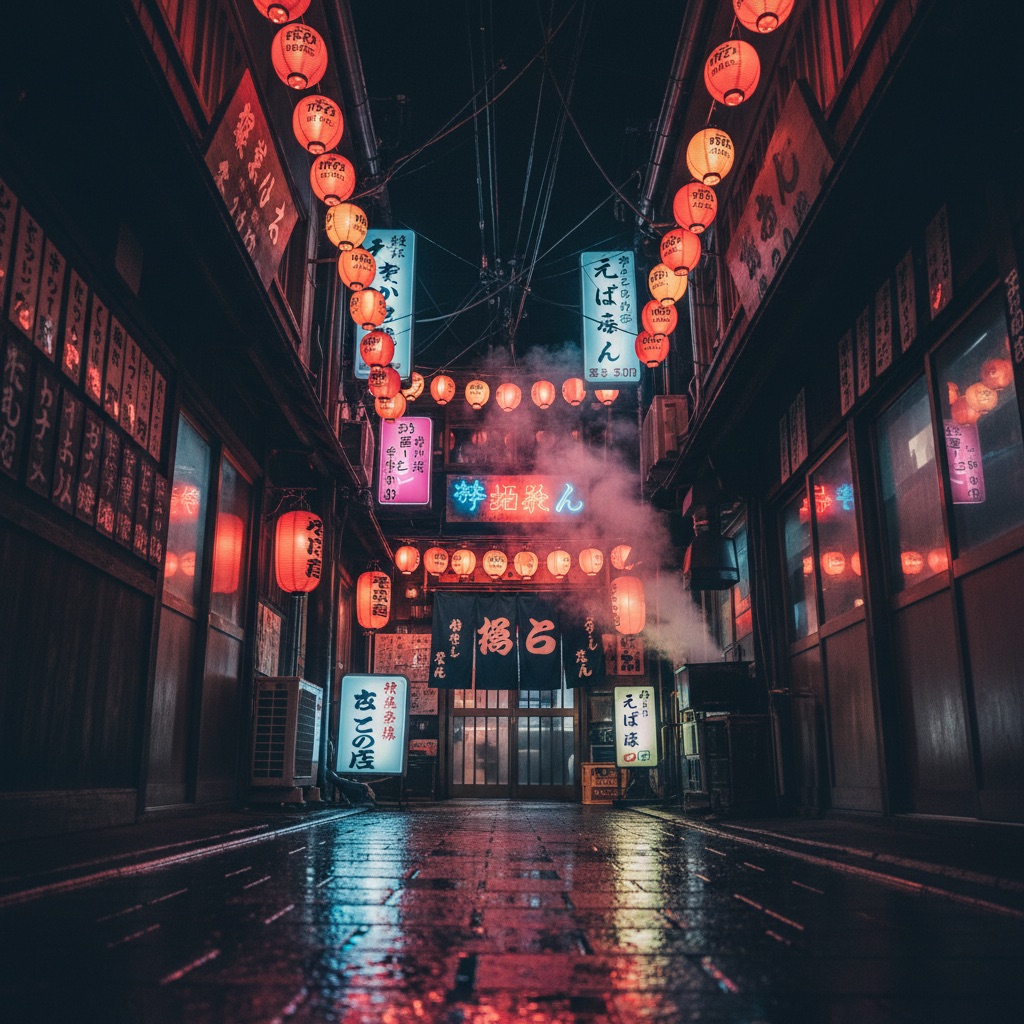
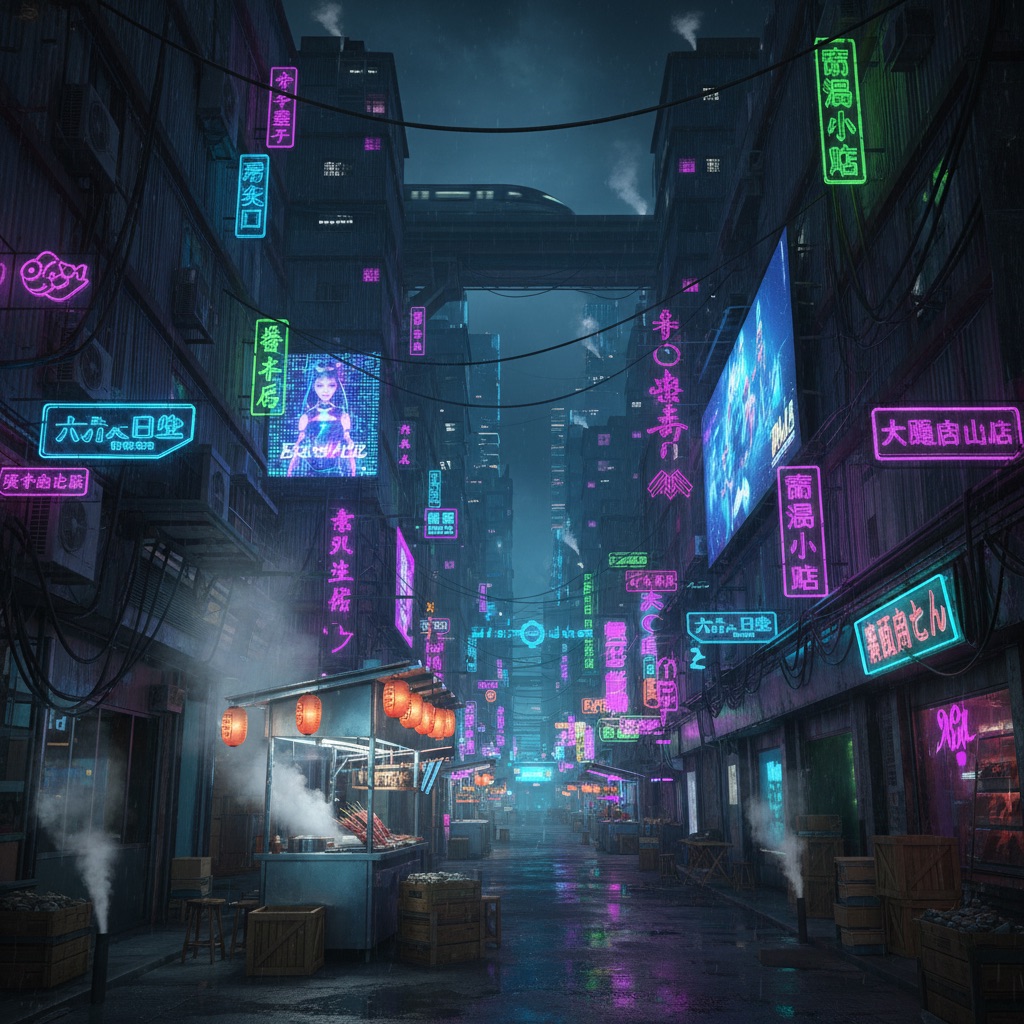
A neon alley background is one of the most reliable looks in AI video: saturated sign light, tight framing, and reflective stone give generators exactly the color and depth information they handle best. This sheet describes a specific izakaya alley rather than a generic one, with lantern rows, swaying noren curtains, kitchen steam, and dripping AC units that keep every second of footage alive with small motion. The light logic is self-contained, neon and lanterns illuminate the space from within, so the alley stays readable in any condition you render. Reuse the sheet across shots and the sign placement, crate stacks, and vending machine glow repeat exactly, keeping your neon Tokyo alley scene for AI video consistent from clip to clip.
City Rooftop
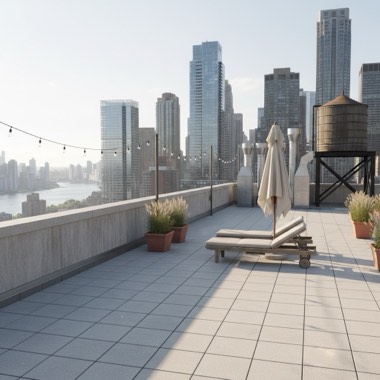
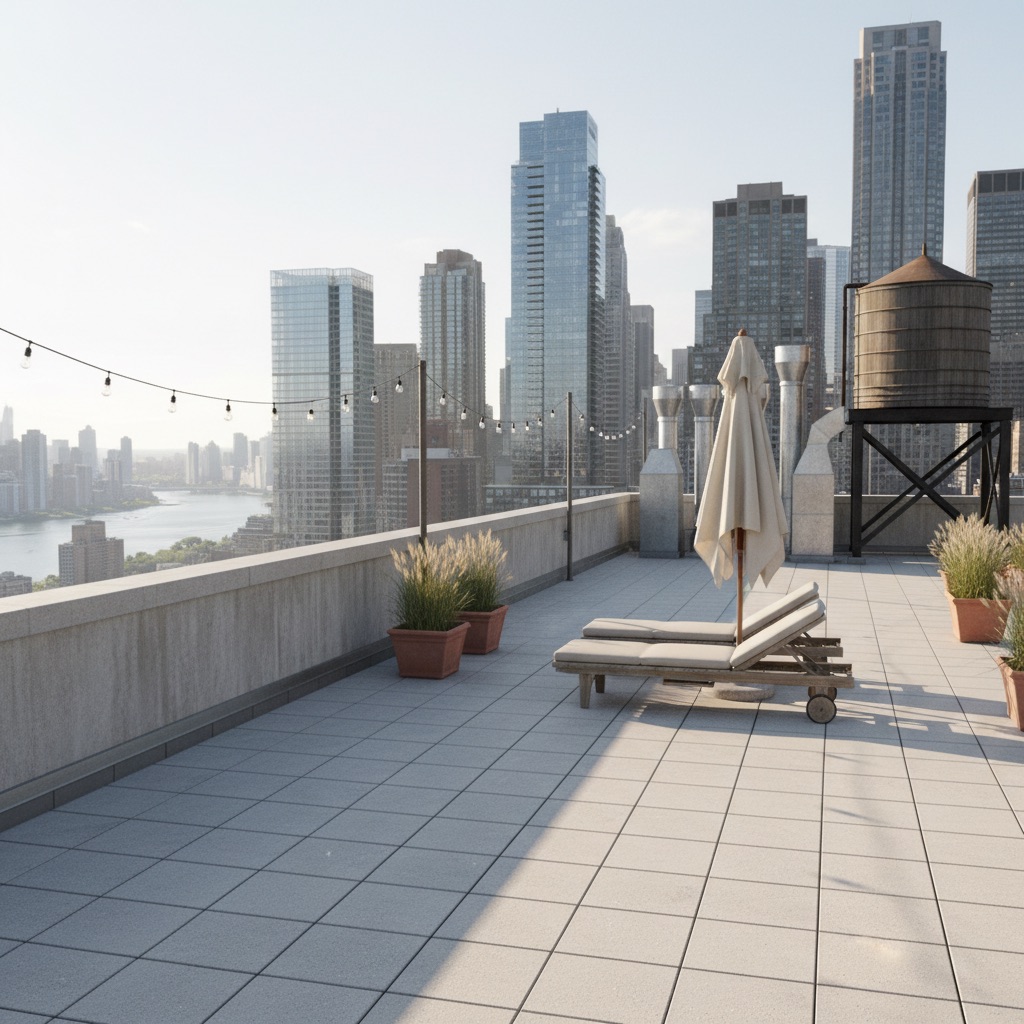
A city rooftop background solves two problems at once in AI video: it delivers a full skyline for scale while keeping your subject on a simple, controllable stage of pavers and furniture. Motion comes built in, umbrella canvas rippling, grasses bending, vapor rising off the ventilation stacks, and a bulb string swinging between poles, so generated clips never feel frozen. The layered skyline beyond the parapet gives strong depth separation between subject and city, and the light logic stays flexible: open sky above, string bulbs and a sea of lit windows when it darkens. This sheet fixes the water tank, HVAC placement, and furniture layout so the rooftop scene for AI video reads as the same location across every shot in a sequence.
Nature
Desert Dunes
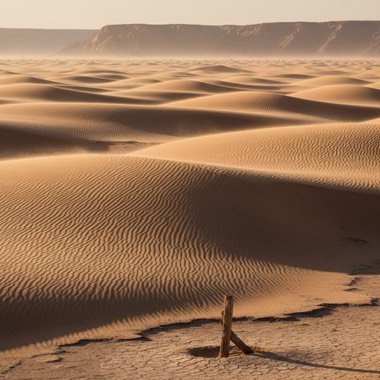
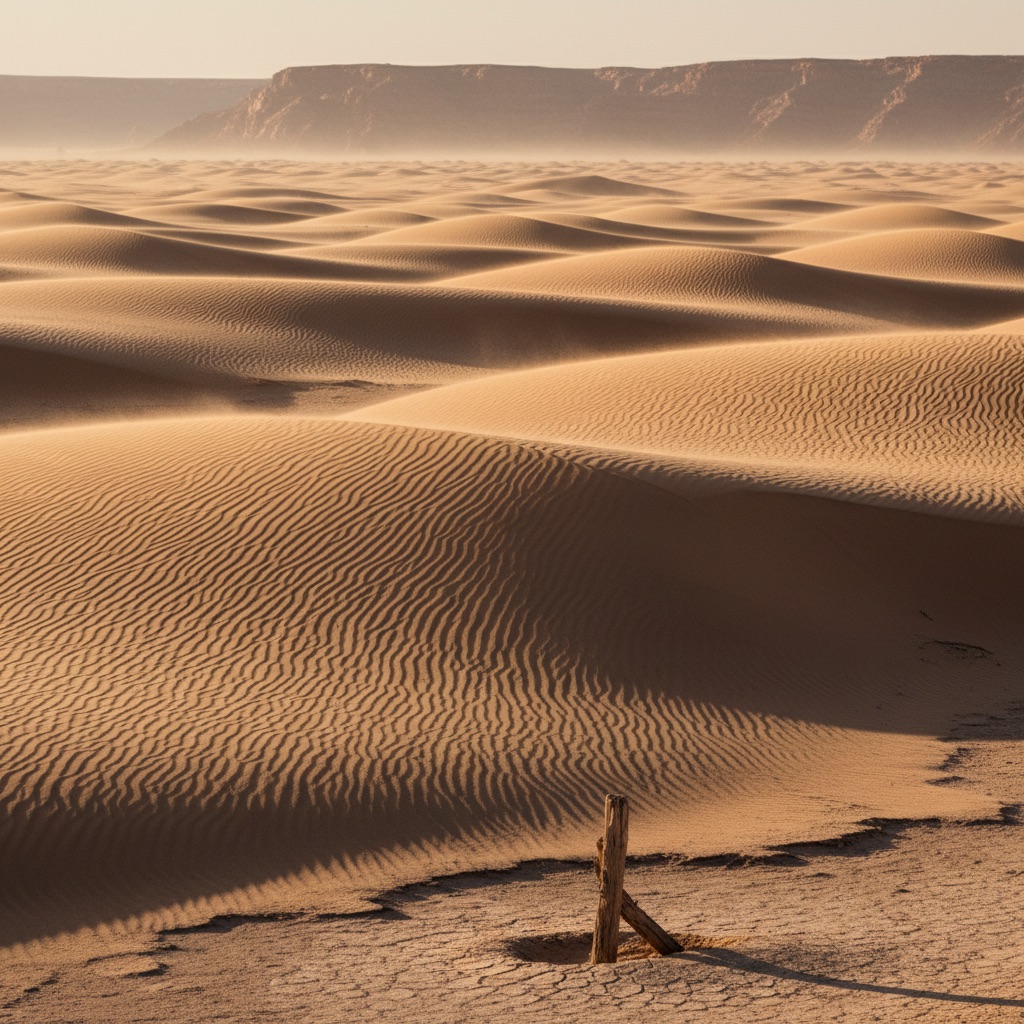
A desert dunes background gives AI video generators exactly what they handle best: simple masses, strong directional light, and repeatable texture. Wind ripples, streaming sand veils, and shivering grass tufts feed the model constant subtle motion, while the stacked crescent dunes create clean depth layers that hold up across cuts. Because the palette runs a narrow band from pale gold to umber, shots stay color-consistent even when you change framing or time of day. This sheet locks the geography, the knife-edge crests, the clay pan, the far escarpment, so every desert dunes scene for AI video reads as the same location rather than a new random desert with each generation.
Beach Cove
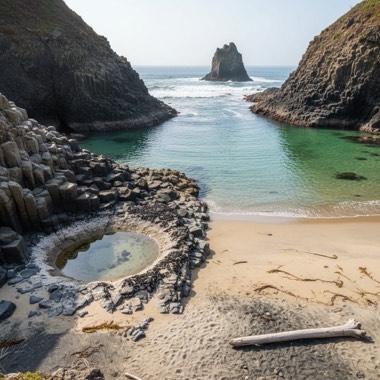
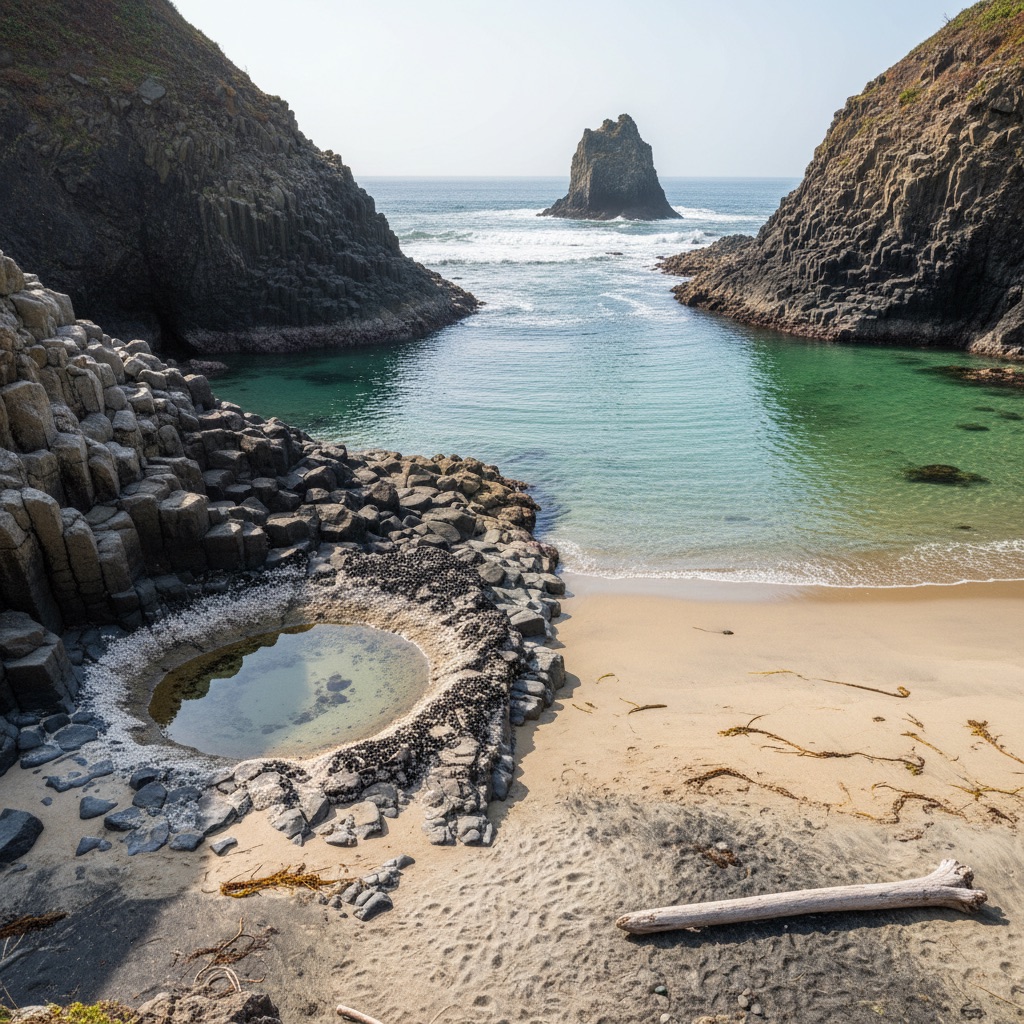
A beach cove background is one of the most reliable settings you can hand an AI video model. The surf line supplies built-in looping motion, foam, spray, and kelp sway animate every frame, and the cove's enclosed shape gives clear depth: tidepool detail up front, breakers in the midground, sea stack and headland behind. Light behaves predictably too, since wet sand mirrors whatever the sky is doing, which keeps color grades coherent. This sheet pins down the specific geography, the basalt arms, the sandbar, the cove mouth, so a beach cove scene for AI video stays the same recognizable place across shots instead of drifting into a generic beach with every new generation.
Pine Forest
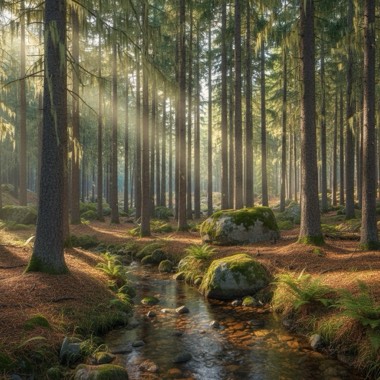
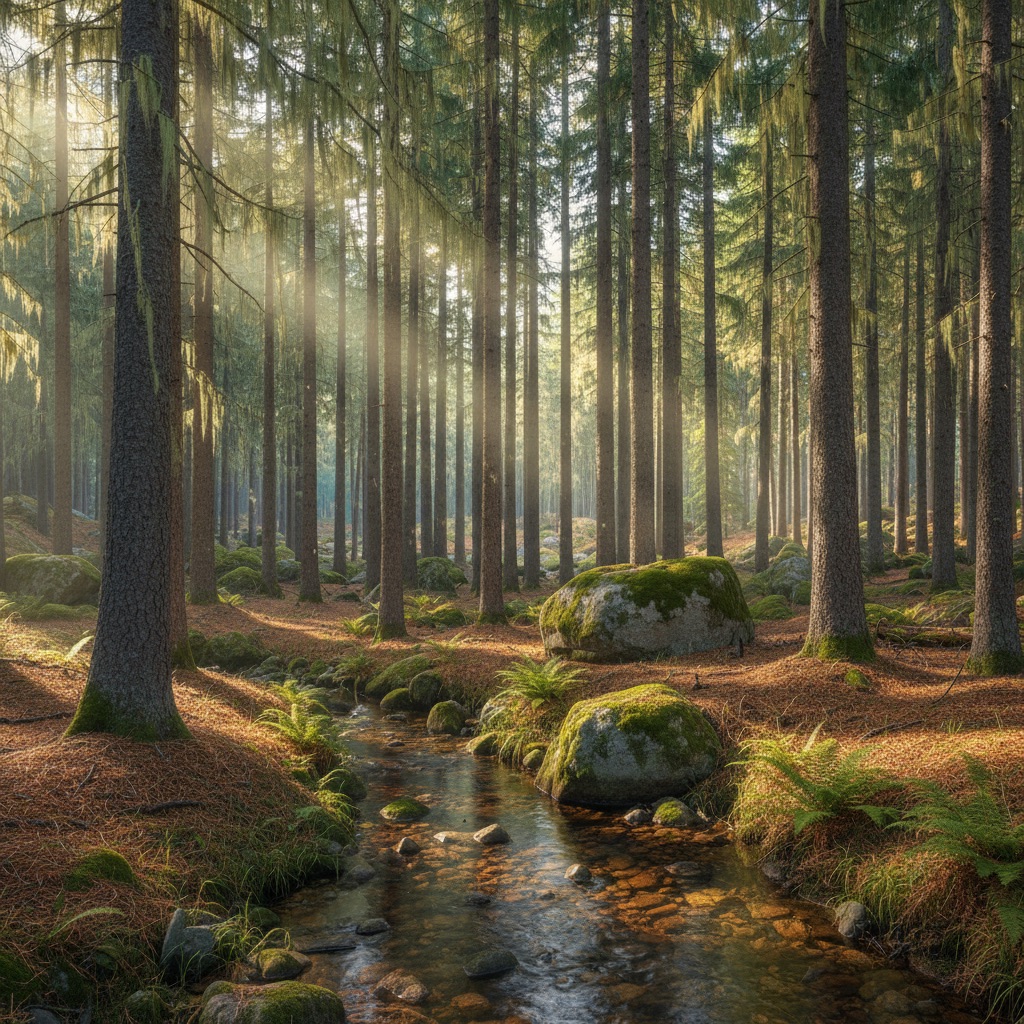
A pine forest background works in AI video because it is built from repeating vertical forms that models render cleanly and stack into convincing depth: ferns and moss up close, colonnades of trunks in the middle, blue-green haze dissolving behind. Motion comes free with the location, swaying crowns, a rippling creek, motes drifting through light shafts, so even a static composition feels alive. The canopy also gives light a logic, entering as shafts and edges rather than flat wash, which helps generated shots feel photographed. Use this sheet to keep the same creek, boulders, and lichen-bearded pines across every pine forest scene for AI video, from a moody title sequence to a calm ambient loop.
Snowy Mountain Pass
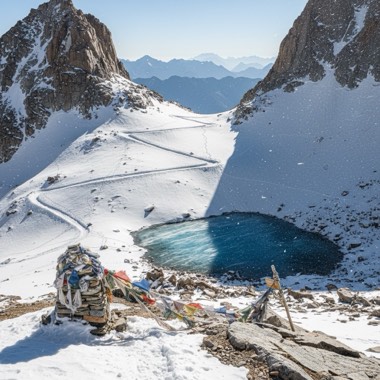
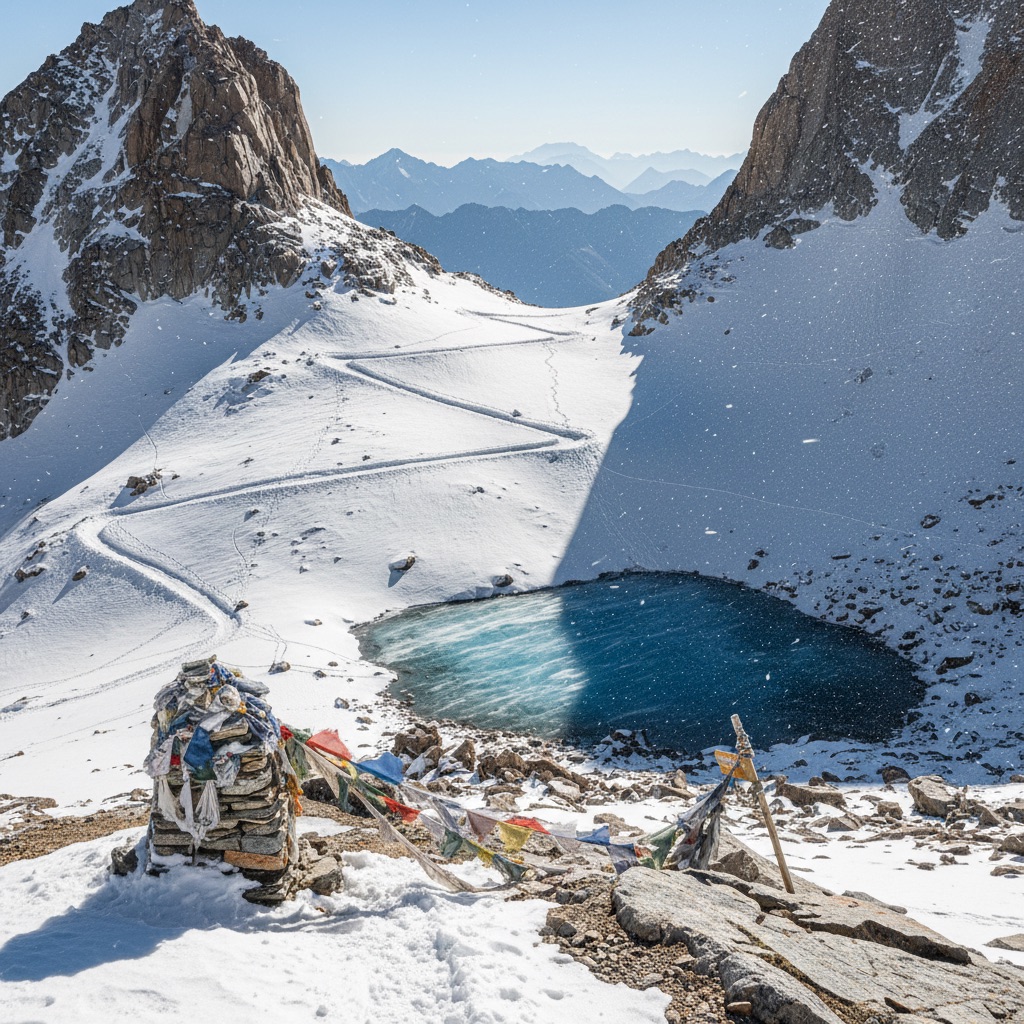
A snowy mountain pass background reads instantly as journey, struggle, and scale, which makes it a strong setting for AI video. The location carries its own animation: flags snapping along the cairn line, spindrift streaming off the cornice, dry crystals hissing across the crust. Depth stays legible too, with the packed trail in the foreground, switchbacks climbing through the boulder field, and stacked blue peaks fading behind. Snow simplifies the palette to whites, grays, and blues, so light direction stays readable and shots grade consistently. This sheet fixes the trail line, cairn, signpost, and ridgeline so every snowy mountain pass scene for AI video returns to the same pass rather than a new random mountain.
Underwater Reef
An underwater reef background gives AI video a setting where motion is constant and physics are forgiving: sea fans bow in the surge, bubbles wobble upward, particulate drifts, and caustic light crawls across every coral head. Depth reads clearly through color, with sharp warm detail up close, a sand channel in the midground, and blue attenuation swallowing the reef wall behind. Because all light arrives through the surface, direction and falloff stay coherent no matter how you reframe. This sheet locks the reef's layout, the plate corals, bommies, sand channel, and drop-off, so an underwater reef scene for AI video keeps the same geography across shots, ready to pair with a diver or floating product.
Interiors
Retro Diner
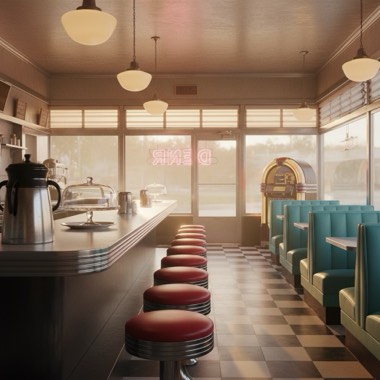
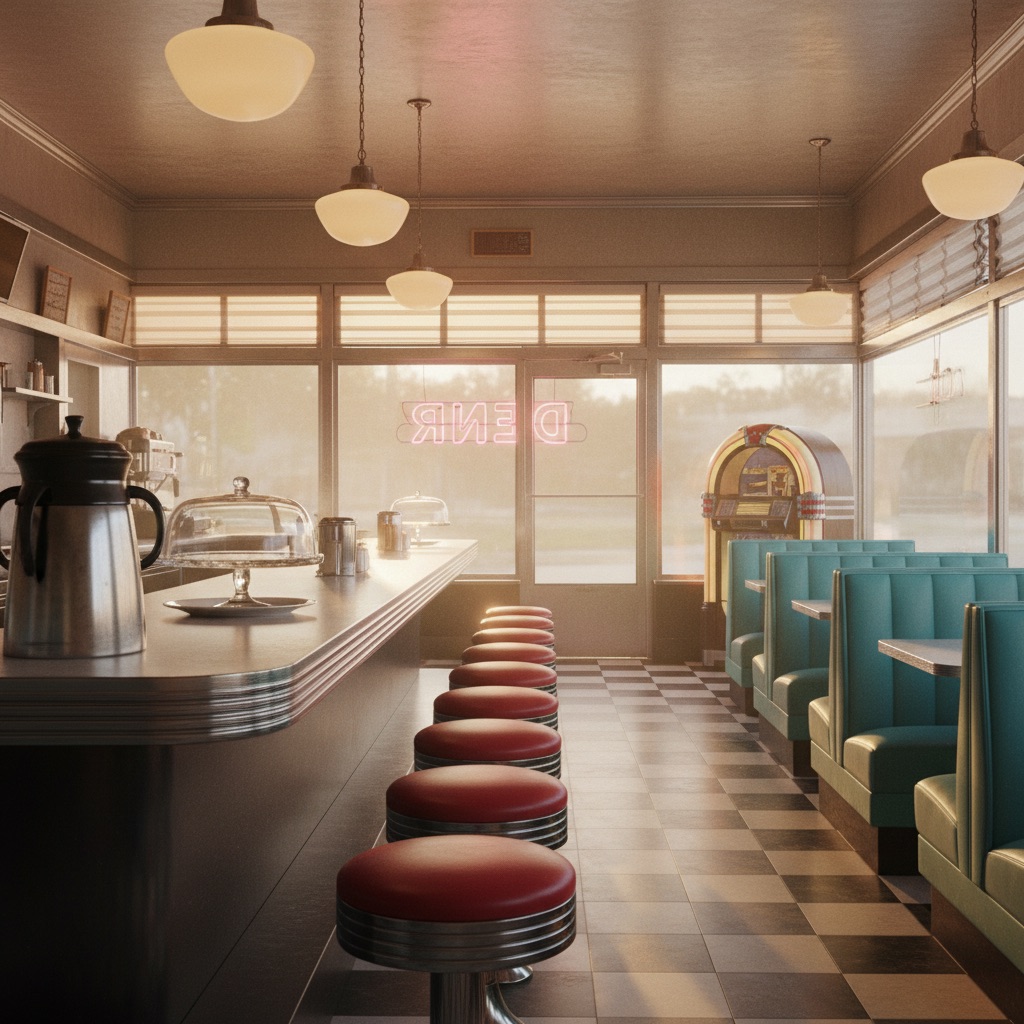
A retro diner background gives AI video a lot to work with: chrome and glass bounce every practical light, neon tubing flickers, steam rises from the coffee urn, and order tickets flutter under the ceiling fan, so generated clips never feel frozen. The long counter creates natural depth, pulling the eye from foreground pie case to booths to the pass-through window, which helps video models hold perspective across a move. This sheet locks the load-bearing details (checkerboard floor, red vinyl stools, turquoise booths, pink neon script) so a retro diner scene for AI video stays the same place shot after shot, whether you drop a character at the counter or let the room play empty.
Cozy Cabin
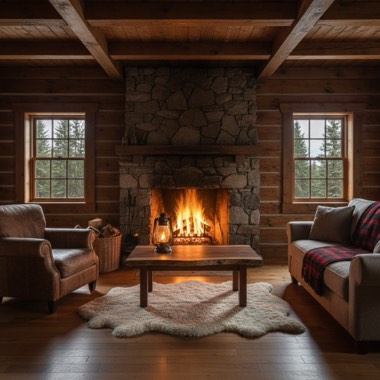
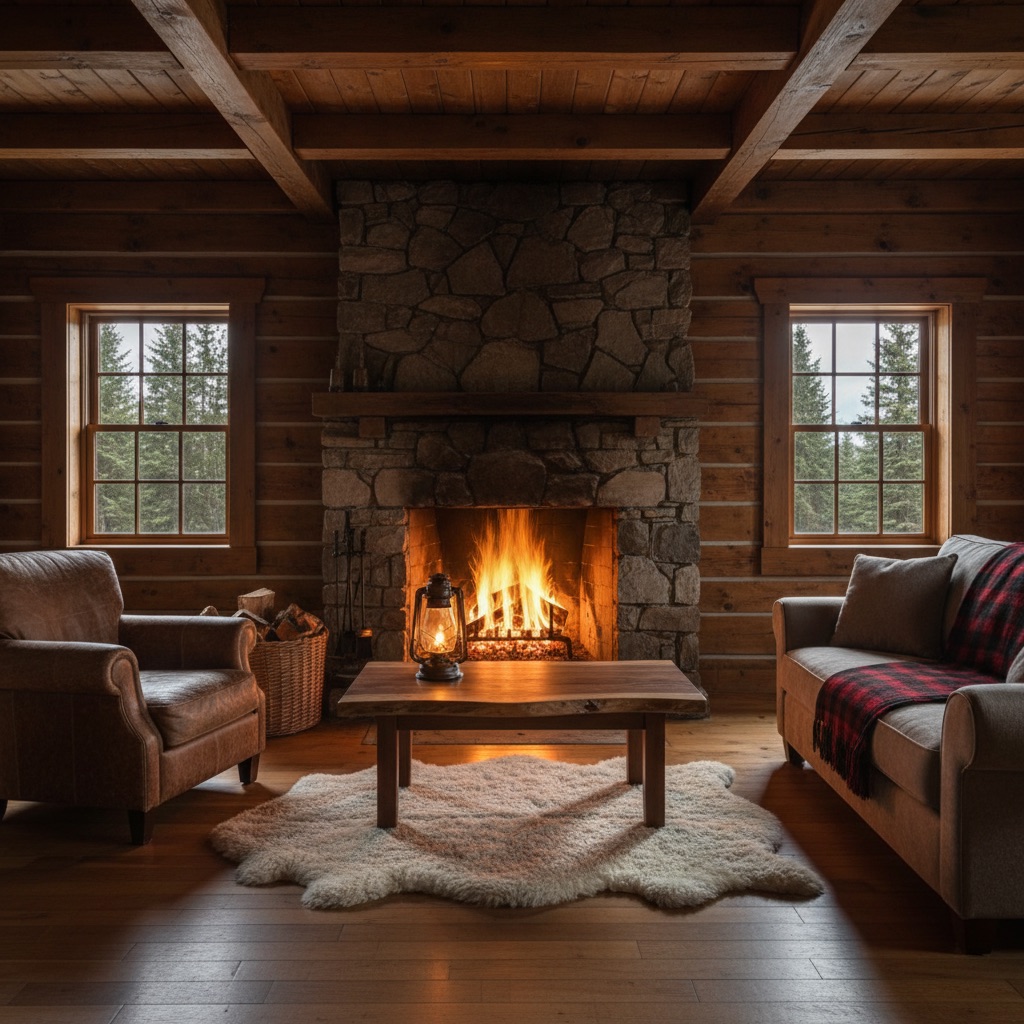
A cozy cabin background works in AI video because firelight does the animating for you: flames roll in the fieldstone hearth, sparks drift, curtains stir, and the whole log room flickers between warm amber and shadow. The layout reads in clean depth layers, from the sheepskin rug and coffee table up front, through the leather armchair and plaid sofa, back to the window on dark pines, which keeps generated shots dimensional instead of flat. Use this sheet to hold a cabin scene for AI video consistent across cuts: the same hand-hewn logs, oil lamp, and loft ladder appear every time, so a character can move through the room without the set quietly redecorating itself.
Sci-Fi & Fantasy
Medieval Castle Hall
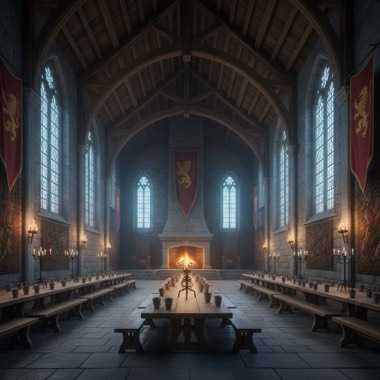
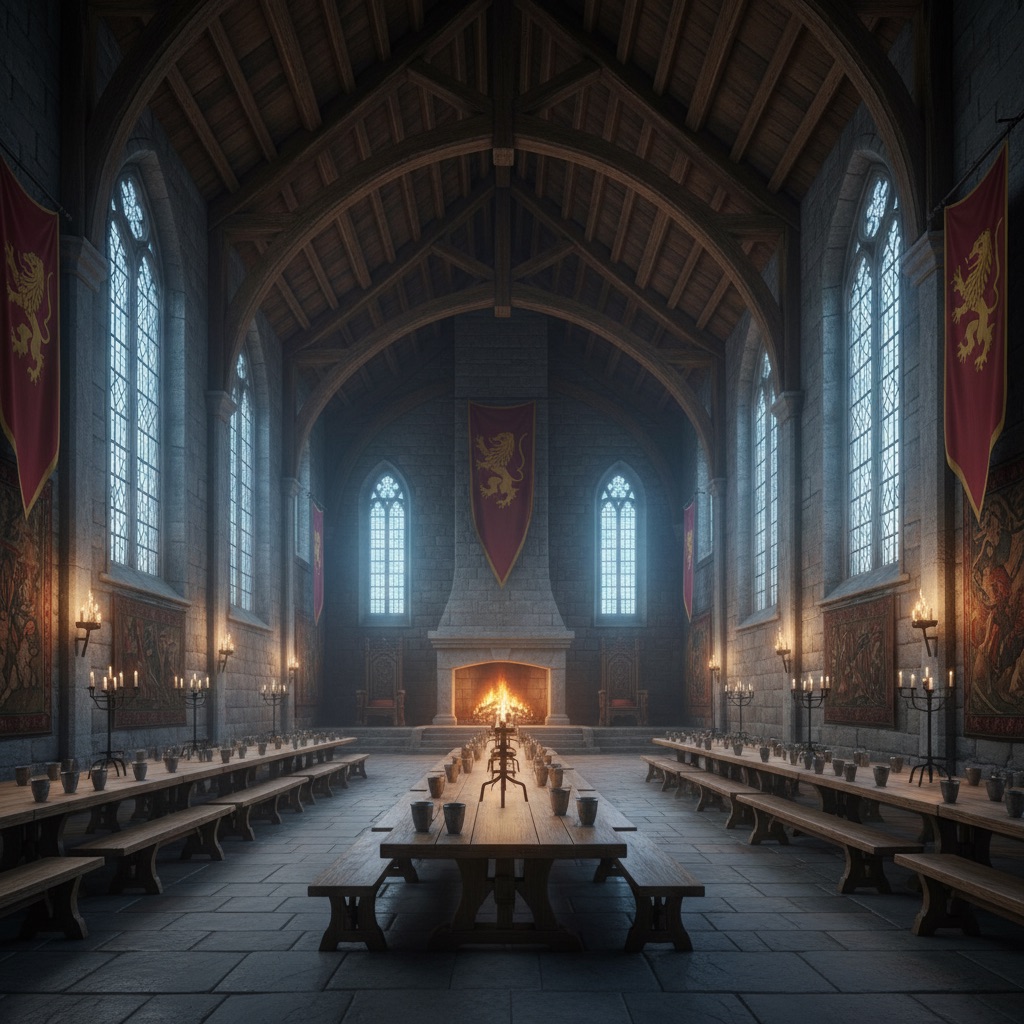
A medieval castle hall background is one of the most reliable fantasy sets for AI video: torches and candles give the model believable flicker, banners sway in the drafts, and hearth smoke drifts, so the frame stays alive even in a static shot. The hall's geometry builds depth on its own, running from the candelabra on the table's near end down the ranks of benches to the dais and hearth at the far wall. This sheet pins the details that models tend to mutate (granite walls, lancet windows, crimson and gold banners, rush-covered flagstones) so a castle hall scene for AI video reads as one continuous location across an entire dialogue or throne room sequence.
Jungle Ruins
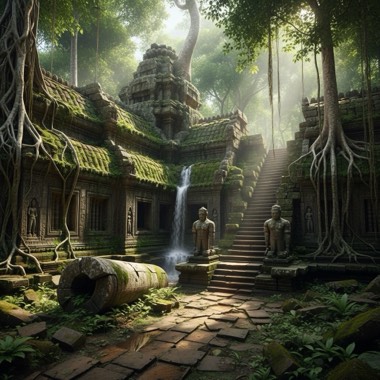
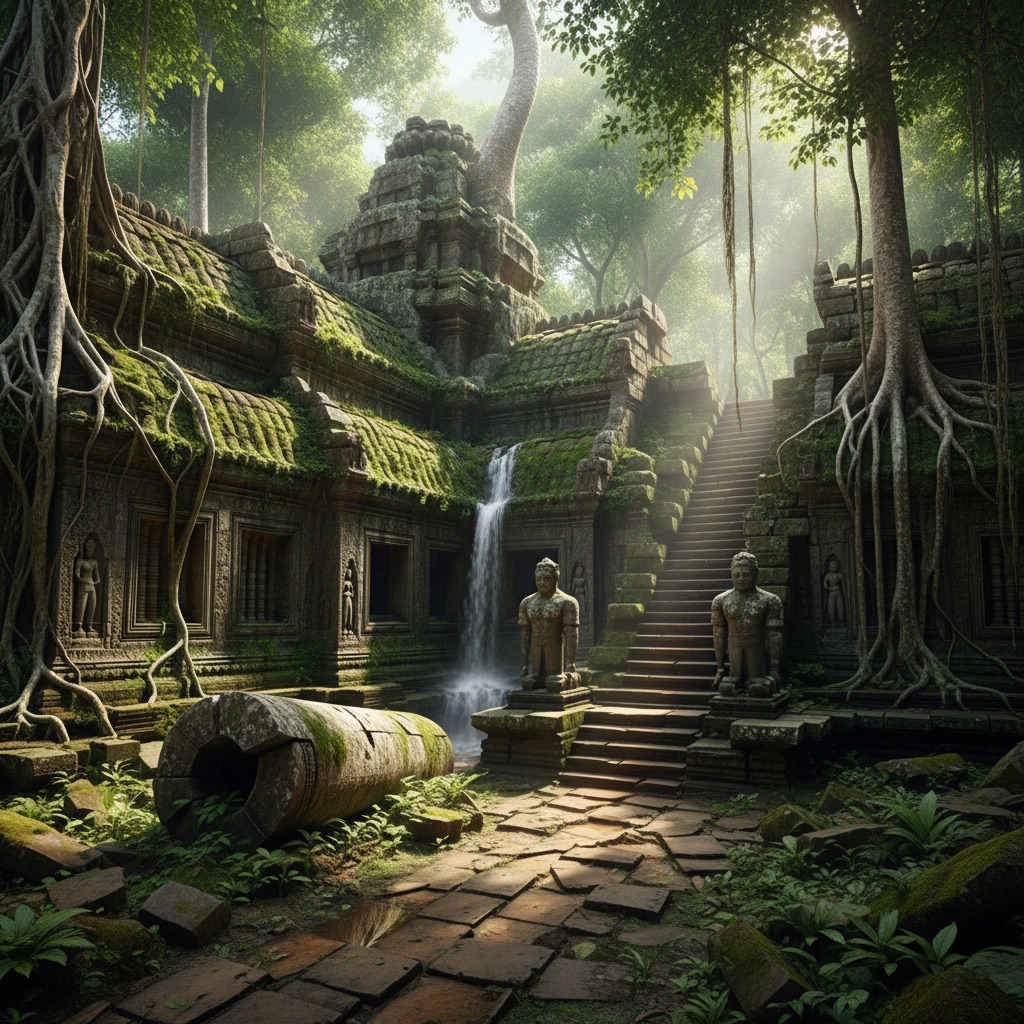
A jungle ruins background hands an AI video model everything it needs to generate convincing motion: dripping water, a threading waterfall, swaying vines, drifting mist, and light breaking through the canopy in shifting shafts. The ruined temple also solves the depth problem that flat jungle footage has, stacking a mossy fallen column in front, a statue-lined staircase in the middle, and a leaning tower swallowed by green behind. This sheet fixes the architecture (sandstone terraces, strangler fig roots, carved reliefs) so a jungle ruins scene for AI video keeps the same temple across an adventure sequence instead of inventing new stonework every shot, whether the frame is an empty establishing view or a character climbing the steps.
Space Station Corridor
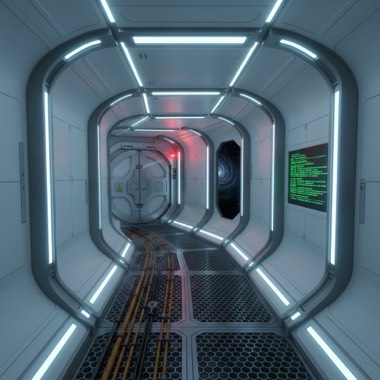
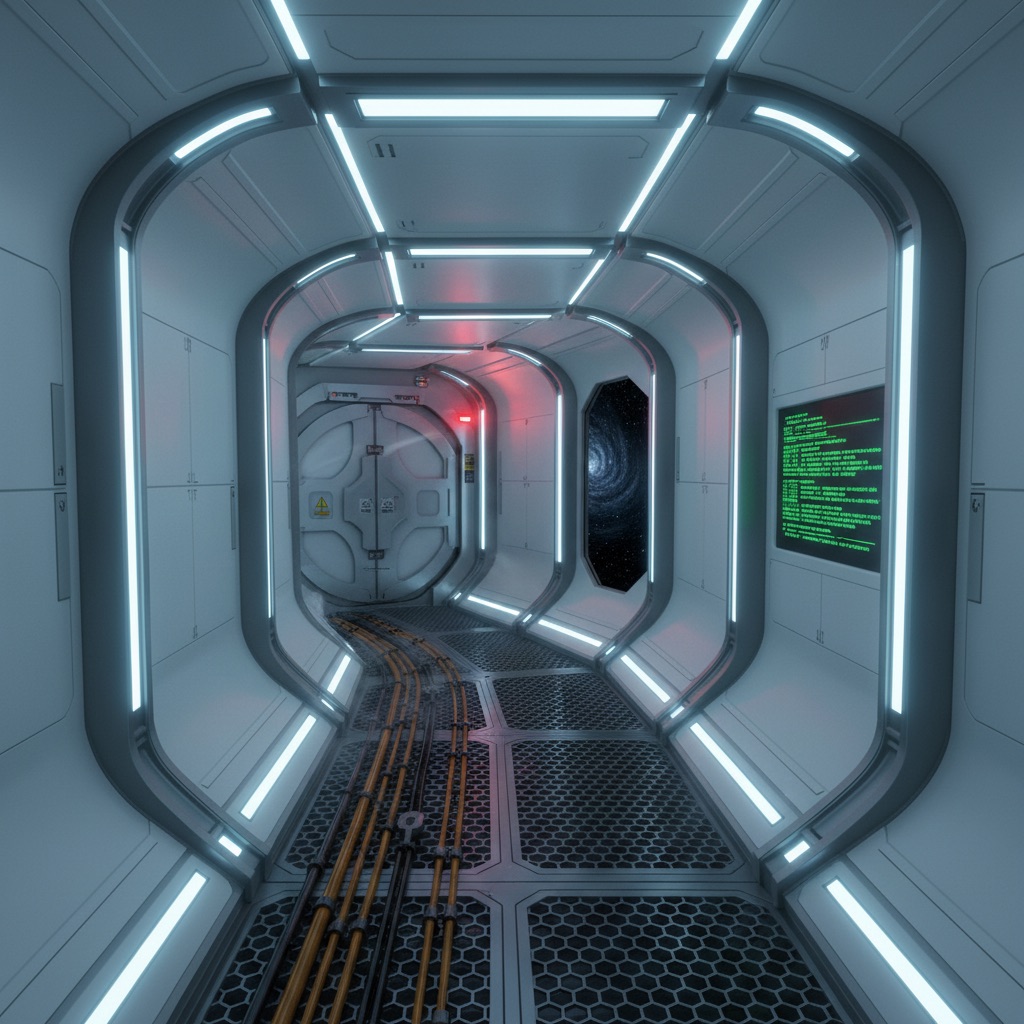
A space station corridor background gives AI video a controlled, high-contrast interior that models handle well: strong perspective lines, repeating panel geometry, and a clear light logic of LED strips, console glow, and starlight through the viewport. The curve of the ring hides the corridor's end, which sells depth in short clips, while coolant vapor, a rotating warning beacon, and drifting dust give generators constant motion to latch onto. This sheet locks the corridor's materials, colors, and fixtures into one reusable description, so the white polymer walls and blue ceiling strips stay consistent when you cut between shots or drop a character into the frame. Use it for sci-fi shorts, game-style cinematics, or any clip that needs a believable orbital interior.
Cyberpunk Market
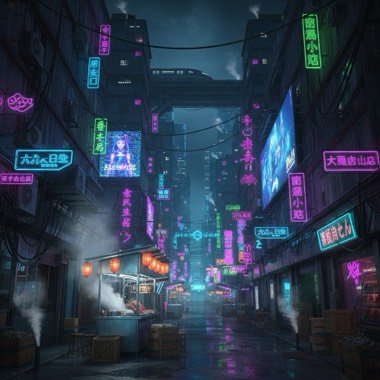
A cyberpunk market scene is one of the most reliable settings for AI video because it stacks readable depth cues: a bright stall in front, a cluttered alley in the middle, and a giant billboard closing the background. Every light source is practical (neon tubes, paper lanterns, holographic ads), so generators keep the color logic coherent instead of inventing stray glows. Steam from street vents, flickering signage, and a trembling awning give the model motion to animate even in a locked frame. This sheet pins down the street's materials, signage colors, and layout so the market reads as the same place across cuts, whether you are making techwear b-roll, a dystopian short, or a looping neon background.
Anime
Anime Schoolyard
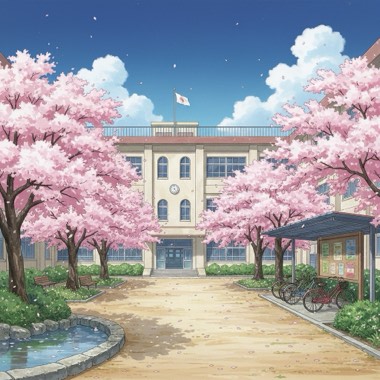
An anime schoolyard background is a staple of slice-of-life video, and this sheet describes it the way a background artist would paint it: clean line art, saturated sky, and soft light on cream stucco. Cherry petals, fluttering notices, stirring curtains, and a rippling flag give AI video models several layers of gentle motion, while the path, pond, and building create three clear planes of depth. Because the trees, fence, and window grid are named precisely, the courtyard stays the same courtyard from shot to shot, which matters when you cut between a wide establishing view and a close moment under the blossoms. Pair it with a character sheet for confession scenes, openings, or graduation montages.
Anime Summer Street
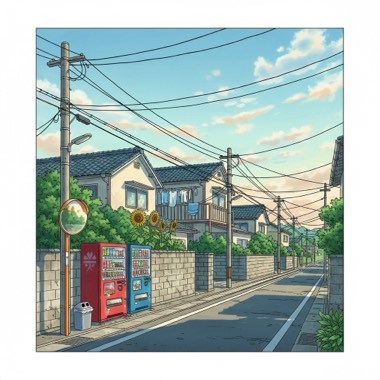
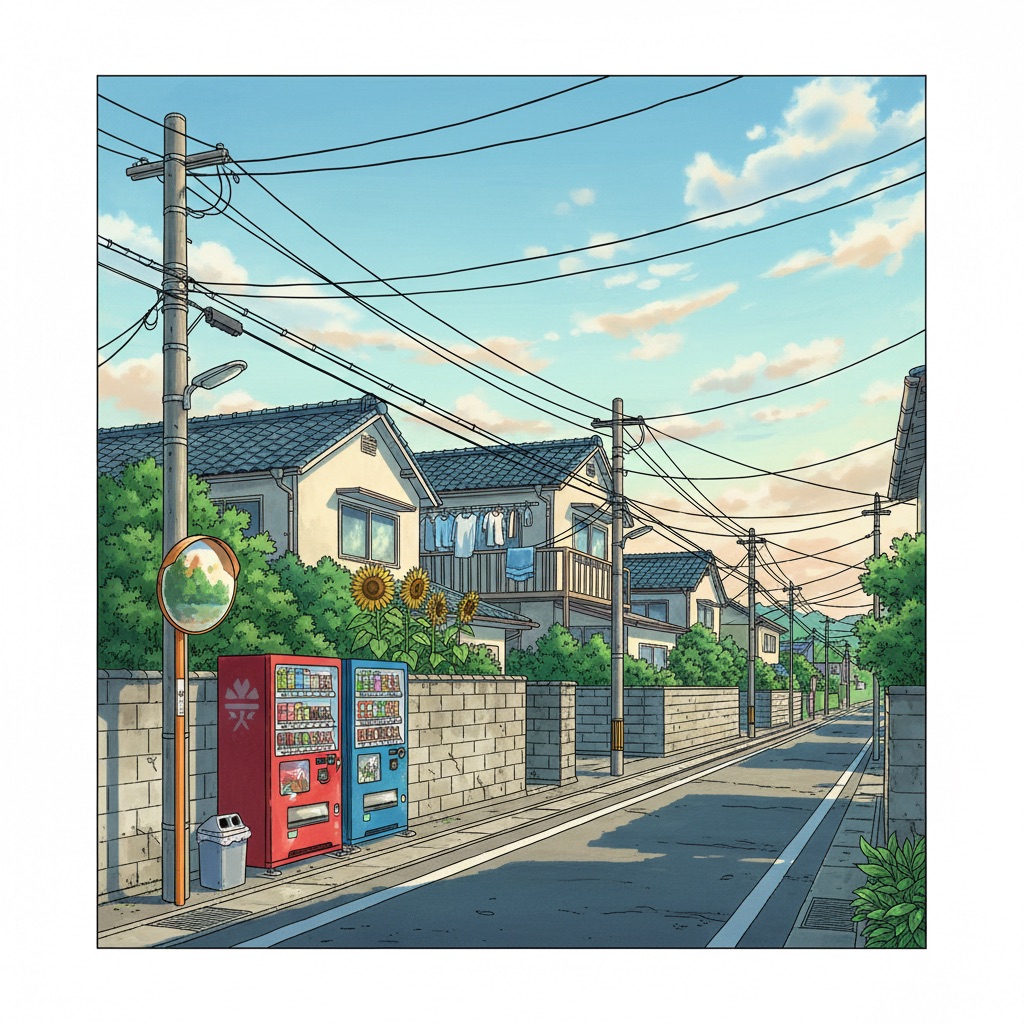
A quiet anime summer street is the go-to background for nostalgic, lo-fi, and slice-of-life video, and it works in AI generation because its depth is built from simple repeated shapes: walls, poles, and receding rooftops. The vending machines act as a fixed light anchor, while trickling drain water, swaying laundry, and trembling sunflower leaves give models believable ambient motion without chaos. Sagging power lines are the signature element, pulling the eye down the street and giving every frame instant Japanese-suburb identity. This sheet fixes the street's colors, materials, and layout so the same corner appears in every shot, whether you render a walking-home sequence, a looping study background, or a single held frame.