
How to Turn Real Estate Photos Into Video With AI
A property photo animation guide: which listing photos to start with, the four-part camera brief that avoids warped walls and drifting furniture, a reusable prompt, and how to build a full listing sequence.
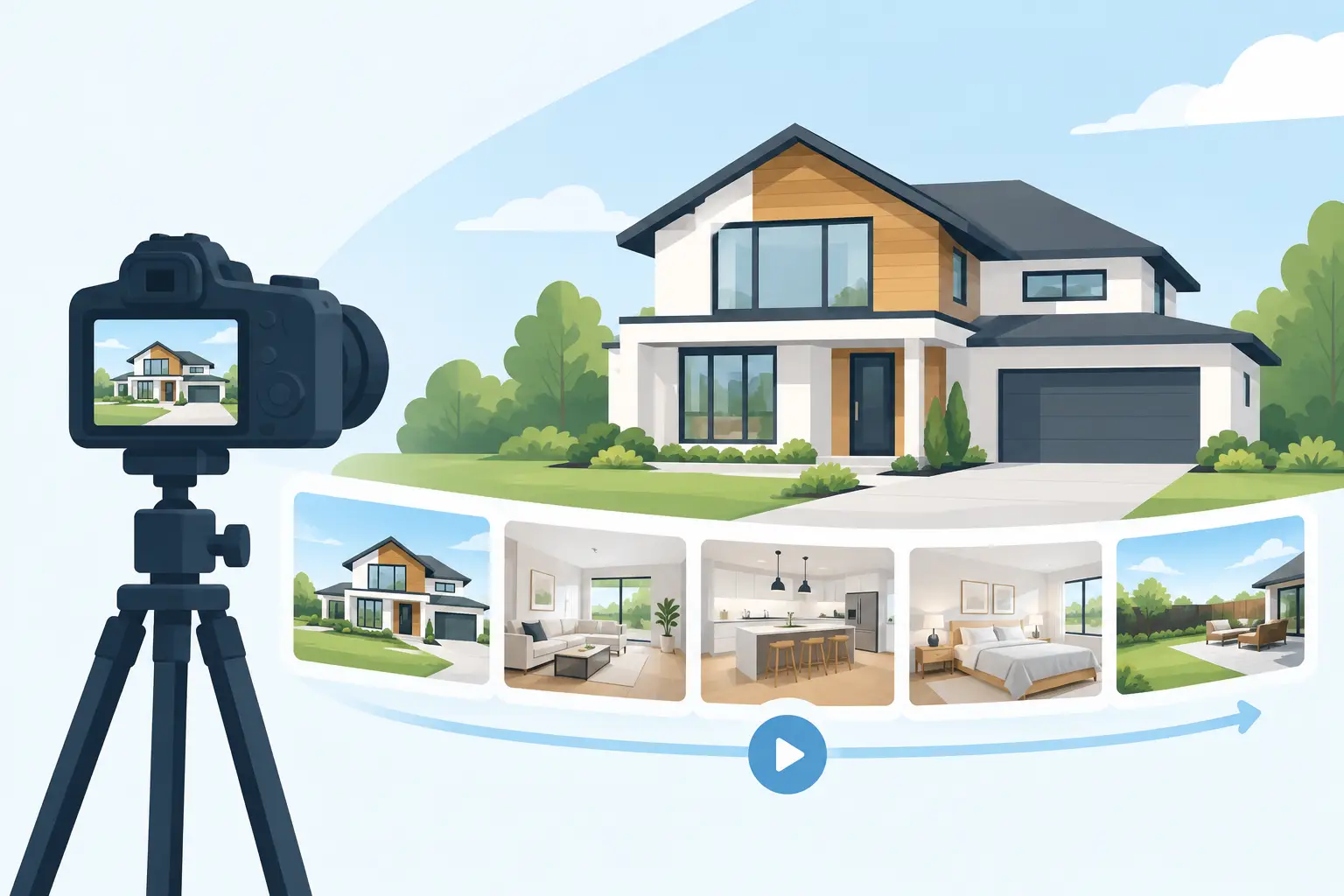
A strong exterior hero photo can sell the click. A clean kitchen photo can sell the showing. A well-directed three- to six-second motion clip can make a listing feel like a place someone can already imagine walking through. This guide shows how to turn real estate photos into video without the warped walls, drifting furniture, and random camera moves that make generated footage unusable.
The goal is not to fake a full property tour from one image. The goal is to create short, premium-looking motion assets that add energy to a listing reel, paid social ad, or booking page. Treat every photo as one shot in a campaign, not as a blank canvas for AI to invent a house.
Start with photos that can actually move
AI video models animate what they can see, but they also make assumptions. The cleaner the image composition, the less room the model has to invent details that do not exist. Wide, level, professionally exposed listing images are usually the best source material. A room shot with a clear foreground, middle ground, and background gives the model depth cues it can use for a believable slow push-in or lateral slide.
Choose images with one obvious visual job. An exterior establishes curb appeal. A living room communicates scale and light. A kitchen sells finish quality. A bedroom adds lifestyle. A pool deck or view provides the emotional payoff. If an image tries to show too much at once, AI motion often becomes visually confused.
Avoid starting with photos that already have difficult geometry: tightly cropped bathrooms, mirror-heavy rooms, busy ceiling fans, complex railings, patterned tile, or highly reflective windows. You can animate them, but they need subtler movement and more testing. A dramatic orbit around a bathroom vanity is a fast route to duplicated faucets and bending countertops.
For short-term rentals, be especially careful with amenities. If the photo shows a specific fire pit, hot tub, coffee station, or waterfront view, your animation needs to preserve it exactly. Guests book what they believe they will receive. A clip that adds a second hot tub or changes the ocean view may look polished while creating a real trust problem.
Direct the shot instead of just animating the photo
A generic instruction like “animate this real estate photo” leaves every meaningful creative decision to the model. It may zoom too quickly, generate people, alter furniture, change the time of day, or make the room feel far larger than it is.
A production-ready prompt tells the model four things: what must remain fixed, how the camera moves, what natural motion exists, and what must never happen. Think like a cinematographer briefing an operator who has one chance to capture the shot.
1. Lock the property details first
Your opening instruction should tell the model that the uploaded image is the source of truth. Call out the parts that matter commercially: architecture, room layout, furniture placement, finishes, window views, landscaping, and proportions.
Use language such as “preserve the exact room layout, furniture, architectural lines, window placement, flooring, cabinetry, and exterior view from the reference image.” This will not eliminate every generation error, but it sets the right priority. The model should animate the existing image, not redesign it.
2. Choose one camera move
For most listing images, restrained movement wins. A slow push-in adds depth and makes a room feel inviting. A gentle dolly left or right reveals spatial layering. A subtle rise works well for exterior facades, patios, and view shots.
Do not stack movements unless you have a reason. “Push in while orbiting upward and panning right” sounds cinematic, but it asks the model to solve too many transformations. The result often feels unstable. One intentional move looks more expensive than three competing ones.
Match the move to the photo. Use a slow forward push for a symmetrical kitchen or living room. Use a lateral slide when foreground furniture can create parallax. Use a small crane-up motion on an exterior with a driveway, porch, or landscaping in the foreground. For a balcony view, a slow move toward the railing can create anticipation without changing the skyline.
3. Add only plausible environmental motion
A property should feel alive, not haunted. The best motion cues are almost invisible: soft daylight shifting across a wall, tree leaves moving outside, curtains lifting slightly, pool water rippling, a fireplace flickering, or a few clouds moving slowly in the distance.
Interior photos often need less motion than exterior photos. If the room is staged and still, keep it that way. An AI-generated breeze moving every curtain, plant, and pendant light at once looks artificial. One subtle cue is enough to prevent the shot from feeling like a slideshow.
4. Use negative prompts as quality control
Negative prompts are not optional for commercial property content. They are your guardrails against the familiar AI-video failures that can get a clip rejected by an agent, owner, or client.
Include restrictions relevant to the photo: no people, no new furniture, no layout changes, no altered architecture, no warped straight lines, no object duplication, no flickering lights, no floating objects, no text overlays, no logo changes, no camera shake, no fisheye distortion, and no time-of-day changes.
For listings with a view, add: “do not alter the skyline, water, mountains, neighboring buildings, or horizon.” For vacation rentals, add: “do not add amenities or features not visible in the reference image.” Specific constraints protect the promise your listing makes.
A prompt structure you can reuse
Use this framework for nearly any property image, then customize the camera move and environmental detail.
Animate the supplied property photo as a premium real estate listing video. Preserve the exact architecture, layout, furniture placement, finishes, proportions, and view from the reference image.

Camera: slow, stabilized forward dolly at eye level, subtle natural parallax, 24mm real estate lens look, smooth gimbal motion.
Lighting: retain the original bright natural daylight and interior color temperature.
Motion: very subtle curtain movement and soft tree movement visible through the windows.
Style: high-end editorial real estate cinematography, clean vertical lines, realistic scale, calm and inviting.
Negative prompt: no people, no added furniture, no removed objects, no layout changes, no warped walls, no bending windows, no duplicated decor, no flicker, no text, no logos, no fisheye, no fast zoom, no camera shake.
For a pool image, swap the camera direction for a slow lateral glide and specify gentle water ripples. For an exterior twilight image, preserve the existing sky and practical lighting rather than asking the model to create a new sunset. The reference image should remain recognizable on the first frame and the final frame.
Build a listing sequence, not a random montage
A useful property reel usually needs five to eight shots, each lasting two to five seconds. That is enough to create pace without asking AI to sustain long, error-prone clips. Start with exterior appeal, move into the strongest shared space, show the kitchen, then feature the primary bedroom or a standout amenity. End on the view, backyard, pool, or lifestyle payoff.
Keep camera grammar consistent. If every interior shot is a slow push-in, add one lateral move for variety, but do not suddenly introduce a fast drone-like flythrough. The footage should feel like it came from one creative direction, even if every clip started as a different photo.
Vertical 9:16 is the practical choice for Instagram Reels, TikTok, and short-form paid ads. Build a separate 16:9 version for YouTube, listing presentations, or website headers rather than cropping later. A composition that works in widescreen can cut off the best architectural detail in vertical format.
AI Real Estate Video
Turn a listing photo into a structured, cinematographer-level prompt. Free, no signup.
Test like a marketer, not an artist
Generate short tests before you commit to a full sequence. Your first pass is checking for fidelity, not chasing perfection. Does the room still match the source photo? Are the lines straight? Is the camera motion calm? Is the view outside the window unchanged?
If the model changes the room, reduce the motion before rewriting everything. A slower push-in is usually more reliable than a side glide. If furniture drifts, reinforce “static furniture and fixed decor” in the prompt. If the image feels flat, add a foreground-aware camera cue instead of adding more environmental movement.
Different models will respond differently to the same brief. One may deliver cleaner architecture, while another produces better natural motion or more cinematic light. Keep your source photo, core constraints, and shot intent consistent while testing. That makes the comparison useful instead of turning every generation into a new experiment.
The best property animation does not call attention to AI. It makes a still image feel just alive enough that a buyer, renter, or guest pauses for one more second, and that extra second is often where the inquiry starts.
AI Real Estate Video
Upload a listing photo and get a ready-to-use motion prompt. Free, no signup.
Frequently asked questions
Can I turn a real estate photo into a video with AI?
Yes. An AI video model can animate a single listing photo into a short clip with a controlled camera move, such as a slow push-in or a lateral slide, plus subtle environmental motion like moving curtains or rippling water. The result works best as one short shot in a sequence, not as a full walkthrough generated from a single image.
Why does AI warp walls or windows in real estate videos?
Stacked or vague camera instructions give the model too many ways to interpret the move, which often shows up as bending straight lines. Naming one camera path, locking the architecture and layout as fixed, and keeping the move slow and simple fixes most of this.
What's the best camera movement for a listing photo?
A slow forward dolly for symmetrical kitchens and living rooms, a lateral slide when foreground furniture can create parallax, and a gentle crane-up for exteriors with a driveway or landscaping in the foreground. Pick one move per shot rather than combining several.
How many shots does a real estate AI video reel need?
Five to eight short clips of two to five seconds each is usually enough: exterior, a main shared space, the kitchen, the primary bedroom or a standout amenity, then the view or backyard as the payoff. That keeps each generation's technical task small and the pacing consistent.
How do I keep a vacation rental's amenities accurate in an animated video?
Add a negative prompt that explicitly protects what the photo already shows: "do not add amenities or features not visible in the reference image." Guests book based on what they see, so a clip that adds a second hot tub or changes the view creates a real trust problem, not just a visual one.
Should I generate one long real estate clip or several short ones?
Several short ones. A single long generation accumulates drift and warping the longer it runs. Short two- to five-second clips with one camera move each are more reliable, and you can regenerate only the weak shot instead of the whole sequence.
Keep reading
How to Turn Product Photos Into a Video (Free, No Filming)
Use a photo as a reference frame and let AI build a short 3-5s clip around it. The method, the prompt formula, and three prompts you can copy.
Read moreAre AI Real Estate Videos Legal? What Agents Need to Know
A glossy AI fly-through can stop the scroll or create a compliance problem in seconds. Where enhancement ends and misrepresentation begins, MLS media rules, fair housing risk in your prompts, and a safer workflow.
Read moreHow to Improve AI Camera Movement in Video
A vague "cinematic camera movement" gives the model too many ways to fail. One camera, one path, one speed, one reason for moving, the camera brief and negative prompts that make AI motion look planned.
Read more