
AI Product Ads: Animate Product Photos the Right Way
AI product ads done right: the five-layer prompt structure that animates a product photo without warping it, plus placement-specific variations and a credit-saving workflow.
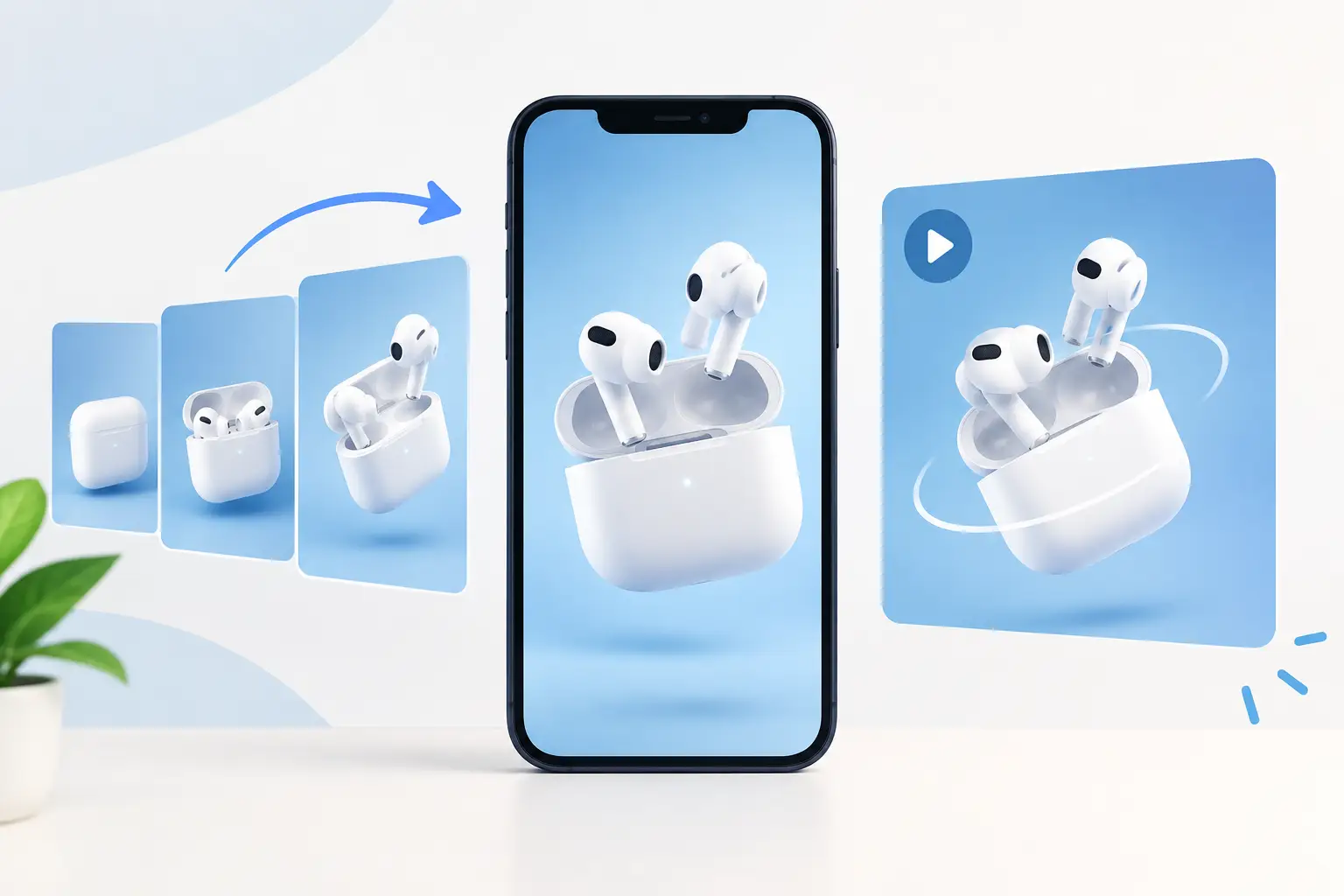
A clean product shot can do more than sit on a white background. With AI product ads, one strong image can become a five-second ad asset with a slow push-in, a premium light sweep, drifting packaging detail, or a bold social-first reveal. The catch: motion alone does not sell. If the product warps, the logo changes, or the camera moves without purpose, the result looks like cheap AI footage instead of a piece of performance creative.
The winning workflow starts with the right still image, then adds a cinematographer-level brief. You are not asking a model to make something move. You are directing what moves, what stays locked, where the viewer looks, and what commercial job the clip needs to do.
Why static-to-video product ads often fail
A generic prompt such as “make this product photo move” leaves too many decisions to the model. It may invent a hand, bend a bottle, change label text, or create dramatic movement that hides the product before a shopper has processed what it is.
That is a serious problem for ecommerce. Your listing image is not merely inspiration. It is the source of truth for color, proportions, packaging, texture, and branding. A good AI video generation should make that product feel more tangible, not reinterpret it.
The most common failures come from three missing instructions. First, creators fail to specify product preservation. Second, they request a style but not a camera path. Third, they forget that lighting and motion need to match the category. A luxury fragrance bottle needs controlled reflections and a slow macro move. A hydration drink can handle cold condensation, a sharper push-in, and more energetic background motion. The same prompt should not serve both.
How to animate product photos with AI without losing accuracy
Treat every generation as a micro-production. Your image supplies the art direction. The prompt supplies the shot plan. Before choosing a model or writing a single line, decide what the clip must accomplish: make the product feel premium, demonstrate a feature, create a social hook, or add visual momentum to an existing product page.
Start with an image that gives the model room to work
Use the highest-resolution source you have, with the product fully visible and label details in focus. A centered studio photo is excellent for a controlled orbit, subtle zoom, or light sweep. A lifestyle image works better when you want environmental motion, such as curtains moving behind a skincare product or steam rising near a coffee mug.
Avoid tiny products lost in a cluttered scene, heavily compressed images, and photos where hands or reflective surfaces already obscure key details. AI video models can work around imperfect assets, but every ambiguity creates room for hallucination. If your label is legally required to be exact, use movement that keeps the front panel visible rather than asking for a full 360-degree spin.
Choose one dominant movement
The fastest way to make AI footage look amateur is to stack a zoom, orbit, tilt, rack focus, particle effect, and object animation into a short clip. Pick one hero movement and let secondary motion support it.
For product listings, a slow dolly-in makes the item feel substantial and keeps attention on the packaging. A controlled 15-degree orbit adds dimension to bottles, shoes, gadgets, and boxed products. A top-down tilt works well for food, accessories, and flat-lay beauty products. If the item has a functional feature, use a close detail shot or a reveal that directs the eye to the feature instead of relying on random animation.
The camera move should follow the product category and placement. A polished Shopify hero clip can be calm and deliberate. A TikTok or Reels ad needs a visual event in the first second, but that does not mean the camera has to shake. A fast cut from a macro detail to a clean hero frame often beats chaotic movement.
Lock the non-negotiables in the prompt
Tell the model exactly what cannot change: product shape, dimensions, material, label, logo, text, cap, color, and placement. Then state the permitted motion. This is where a structured brief outperforms a clever one-line prompt.
A usable prompt has five layers: subject fidelity, composition, lighting, camera direction, and negative instructions. Here is the difference.
Weak prompt
Animate this skincare product with a luxury feel.
Production-ready prompt
Preserve the exact skincare bottle, label typography, white cap, pale blue glass color, and proportions from the reference image. Premium studio tabletop scene with a soft cool-gray background. Slow 10 percent camera dolly-in from a three-quarter front angle, bottle remains centered and fully visible. Softbox key light from camera left, narrow rim light creates controlled highlights on the glass, subtle moving reflection across the surface. Shallow depth of field, 85mm macro product-commercial look. No rotating bottle, no new objects, no hands, no altered logo, no distorted text, no melting glass, no extra labels, no flicker.
This approach gives the video model permission to add life while drawing a hard boundary around brand accuracy.
Build prompts around the placement, not just the product
The same product photo can become several different assets. That is where AI video earns its place in a content pipeline. Do not make one beautiful clip and force it everywhere. Generate a few purpose-built variations from the same approved image.
For a product detail page, prioritize clarity. Keep the item large in frame, use restrained motion, and avoid text overlays that compete with product information already on the page. For paid social, create a first-second hook: an extreme detail, a quick lighting reveal, an unexpected but relevant environment cue, or a punchy move toward the product. For marketplace listings, stay conservative. Accuracy, readable packaging, and clean background control matter more than cinematic flair.
If you sell products with multiple variants, create a repeatable shot recipe. Keep the lens, camera path, background family, and lighting setup consistent while swapping the product image and color notes. That consistency makes a collection page feel designed rather than assembled from random clips.
Shopify Video Generator
Build the PDP-ready clip from a listing photo.
Etsy Video Generator
Conservative, accurate, marketplace-ready.
Amazon Video Generator
Clean packaging, no cinematic risk.
Match the model to the shot you need
No AI video model is best at every product animation. Some produce expressive visual texture and bold motion. Others are better when you need image adherence, steadier camera control, or cleaner commercial composition. Your best choice depends on whether the shot is a stylized social asset, a reliable listing enhancement, or a close-up where text and product geometry cannot drift.
Test with a short clip first. If a model repeatedly changes the bottle silhouette or invents label copy, simplify the movement and tighten your negative prompt before abandoning the concept. If you need exact packaging fidelity, use the most stable reference-driven workflow available and keep the product front-facing. AI is improving quickly, but it is not a replacement for photographing a regulated label from every angle.
Free AI Video Hub is built for this decision point: turn a product image and a commercial goal into a structured prompt with scene direction, lens choices, lighting, motion cues, and negative prompts you can export to the model you prefer.
A three-pass workflow that saves generation credits
Do not spend credits trying to create the final ad in one generation. Use three passes.
- 1Fidelity testA subtle two- to four-second dolly-in with nearly no environmental activity. This tells you whether the model can preserve the product.
- 2Motion testSame image and locked product language. Try one stronger camera path or one environmental effect (condensation, floating powder, fabric movement, a controlled shadow sweep). Review it without sound. If the frame is not understandable at a glance, it will not stop a scroll.
- 3Campaign versionKeep the successful core prompt, then tailor the aspect ratio, opening frame, pace, and background treatment to the platform. This is the point to make alternative hooks, not to rewrite the product description from scratch.
This workflow separates technical risk from creative experimentation. It also gives you reusable prompt components instead of a pile of one-off generations you cannot reproduce next week.
Know when not to animate the image
Animation is not always the answer. If the product image is the only accurate record of delicate craftsmanship, custom engraving, tiny printed instructions, or regulated claims, a still image may carry more trust. You can still use AI video around it with animated typography, approved graphic elements, or a separate lifestyle clip that does not put critical details at risk.
Likewise, a busy lifestyle photo does not need more movement just because the technology is available. Sometimes a small light shift and a two-second push-in are enough to make a static asset feel native in a video feed.
The goal is not to prove that your product photo was made with AI. The goal is to make a shopper pause long enough to see why the product belongs in their cart.
Shopify Video Generator
Turn your product photo into a structured ad brief. Free, no signup.
Frequently asked questions
What's the difference between this and your "turn product photos into video" guide?
That guide is the beginner path: one method, one prompt formula, three copy-paste examples to get a first clip out the door. This post is the advanced layer for paid creative, the five-part prompt structure, placement-specific variations (product page vs. paid social vs. marketplace), and the three-pass workflow for testing fidelity before spending credits on a full campaign.
Why do AI product animations often warp the product?
A generic prompt like "make this product photo move" leaves product preservation, camera path, and category-appropriate lighting entirely up to the model. Without those three instructions specified, the model is free to invent a hand, bend the packaging, change label text, or create movement that hides the product.
How many camera moves should one product ad prompt have?
One dominant movement, such as a slow dolly-in, a 15-degree orbit, or a top-down tilt, chosen to match the product category and placement. Stacking a zoom, orbit, tilt, and particle effect into one short clip is the fastest way to make AI footage look amateur.
Should the same product video work for a product page, social ads, and marketplaces?
No. A product detail page needs clarity and restrained motion. Paid social needs a first-second hook, an extreme detail or a quick reveal. Marketplace listings need to stay conservative: accurate packaging and a clean background matter more than cinematic flair. Generate a few purpose-built variations from the same approved image instead of forcing one clip everywhere.
How do I avoid wasting generation credits on product ads?
Run three passes instead of one: a fidelity test (a subtle dolly-in with minimal environmental activity, to check product preservation), a motion test (one stronger camera path or effect, reviewed without sound), then the campaign version, where you tailor aspect ratio and pacing per placement using the prompt that already passed the first two tests.
When should I not animate a product photo?
When the still image is the only accurate record of delicate craftsmanship, custom engraving, tiny printed instructions, or regulated claims. A still image can carry more trust there; you can still use AI video around it with animated typography or a separate lifestyle clip that does not put the critical details at risk.
Keep reading
How to Turn Product Photos Into a Video (Free, No Filming)
Use a photo as a reference frame and let AI build a short 3-5s clip around it. The method, the prompt formula, and three prompts you can copy.
Read moreHow an AI Video Prompt Generator Gets Better Shots
A generic prompt gets generic footage. The four-layer brief (composition, cinematography, art direction, control) that turns a rough idea into a shot a video model can actually follow.
Read more12 AI Video Prompt Examples That Stop the Scroll
Twelve production-ready AI video prompts, from ecommerce reveals to viral hooks, with the camera moves and negative prompts that make each one usable, not just pretty.
Read more