
UGC Hooks: The AI Video Prompt Framework That Converts
UGC hooks and the AI video prompt framework behind them: six components, a before/after prompt example, and how to match the proof shot to what you're selling.
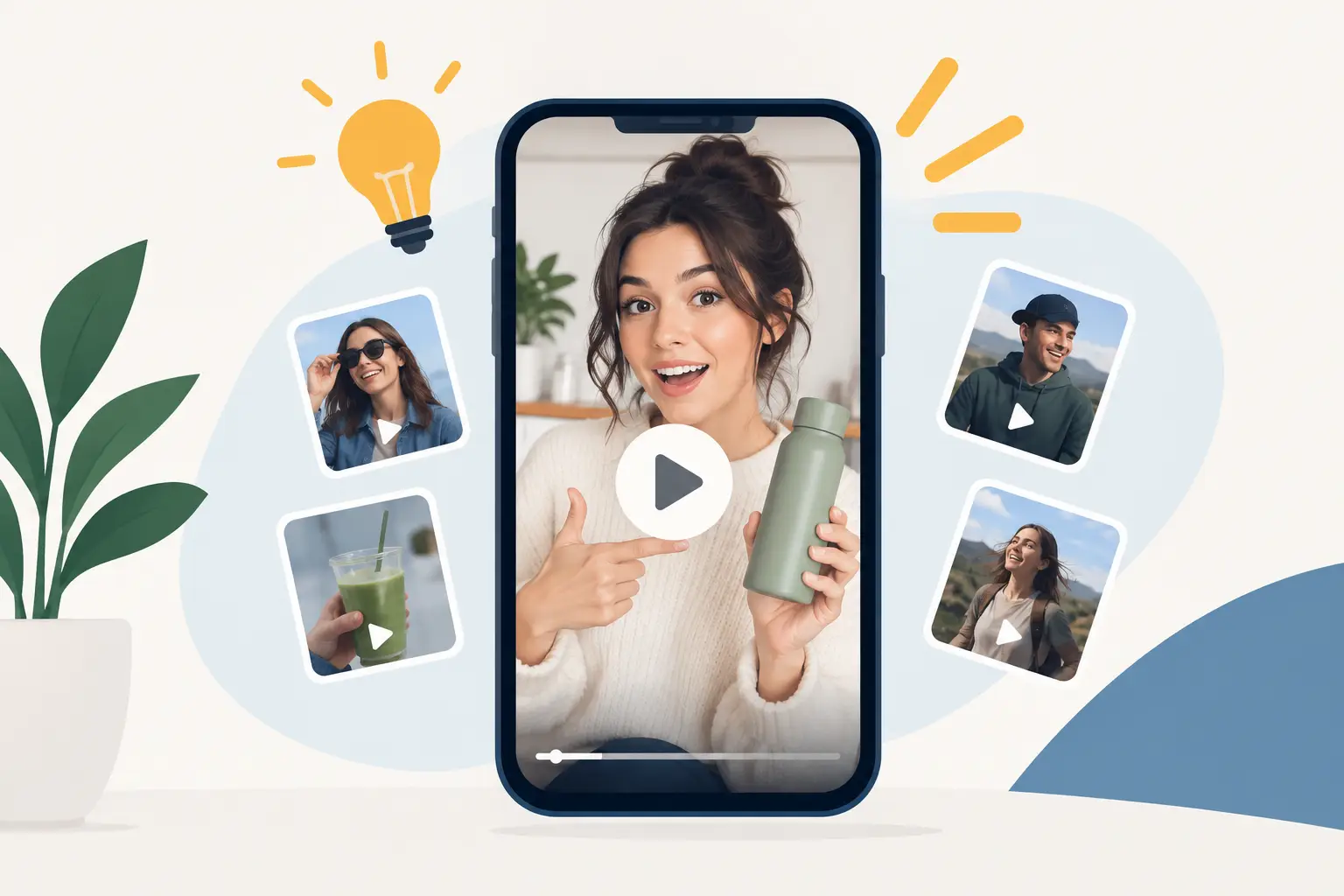
A weak UGC ad prompt gives you the worst version of creator content: a smiling AI spokesperson waving a product at the camera with no believable reason to care. Strong UGC hooks, and the AI video prompts behind them, create the opposite result: an ad that feels native to a feed, makes the product benefit obvious, and gives the model enough direction to produce usable footage instead of generic filler.
For performance creative, realism is not just about a photorealistic face. It is about a credible setting, imperfect handheld motion, a specific problem, product interaction that makes physical sense, and a payoff the viewer can understand with the sound off. The goal is not to make an ad look expensive. The goal is to make it look worth watching.
Why generic UGC prompts underperform
Try prompting an AI video model with “woman reviews skincare product in her bathroom” and you may get a polished clip, but not a paid-social asset. The creator might hold the bottle incorrectly, stare at the lens too long, use a luxury bathroom that clashes with the brand, or move without giving editors a clean place to add a hook and offer.
Generic prompts leave too many production decisions to the model. That is a problem when you need a 9:16 TikTok or Reels placement that earns attention in the first second. A usable brief needs to define the audience, creator type, location, camera behavior, product action, emotional shift, and visual restrictions.
Think of it as the difference between asking for “a customer testimonial” and directing a micro-commercial. The first gives you a concept. The second gives you footage with a job to do.
The anatomy of a high-performing UGC ad prompt
A prompt should read like a concise creative brief, not a pile of adjectives. Start with the commercial angle: what does the person notice, fix, compare, reveal, or demonstrate? Then build the shot around that moment.
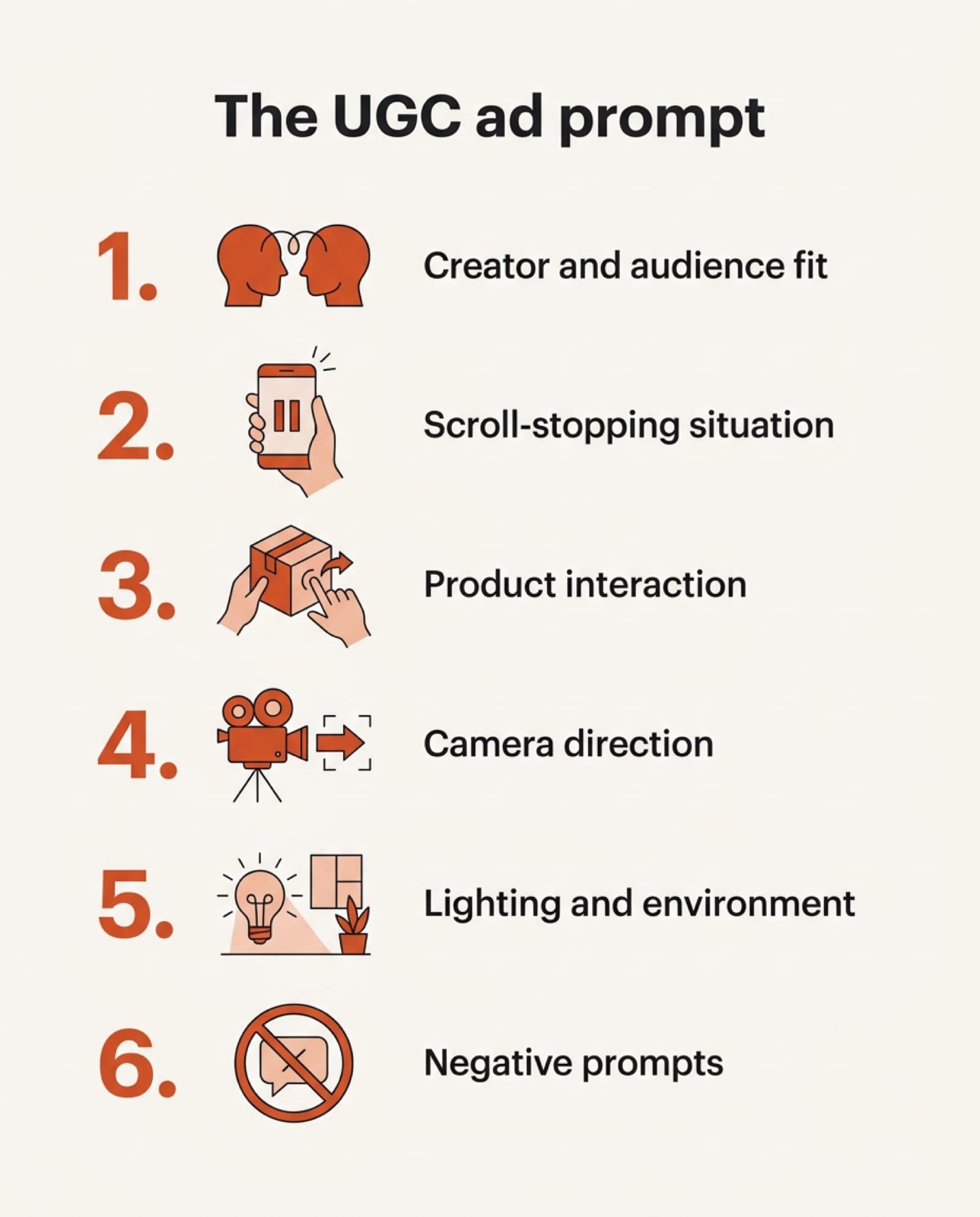
The most reliable UGC ad prompts include six components:
- 1Creator and audience fitWho is on camera and why they feel credible. A busy parent, home cook, esthetician, apartment renter, weekend traveler, or small-business owner each creates a different visual language.
- 2The scroll-stopping situationOpen on friction, surprise, proof, or a strong opinion. “I thought my apartment had no storage” beats “Here is my storage product.”
- 3Product interactionHow the product is held, applied, opened, installed, worn, or used. This reduces warped packaging and vague hand motions.
- 4Camera directionVertical framing, phone-camera perspective, handheld micro-shake, a close-up insert, rack focus, or an over-the-shoulder view.
- 5Lighting and environmentA believable location and available light. Window light in a lived-in kitchen has a different effect than a ring-lit vanity setup.
- 6Negative promptsWhat must not appear: distorted hands, unreadable labels, floating products, sterile studio lighting, over-smoothed skin, text overlays generated by the model.
The first three components sell the idea. The final three make the footage feel intentional enough to run as an ad.
Write the hook before you describe the aesthetic
Performance advertisers often reverse the order. They lead with “cinematic,” “high quality,” or “viral,” then hope the model finds a concept. Start with the message instead.
For example, a cleaning-product ad could begin with a skeptical creator holding up a stained white sneaker, pausing as if she has already tried every trick. The product appears in frame only after the problem is clear. That setup gives you a natural opening shot, a demonstration beat, and a visual payoff for the edit.
Aesthetic direction still matters, but it should support the hook. “Casual iPhone footage, natural kitchen window light, handheld close framing” tells the model how the story should feel without replacing the story.
AI UGC Video Generator
Turn a product photo into a structured UGC ad prompt, hook included. Free, no signup.
A prompt framework built for paid social
Use this structure when you need a repeatable starting point:
[Creator] in [believable location] films a vertical, handheld selfie-style video. Open with [specific problem, opinion, or surprise]. They [demonstrate product action] and react with [credible emotional shift]. Capture [required close-up or proof shot]. Use [lighting], [camera movement], and [visual style]. Keep [product details] accurate. Avoid [negative elements].
Here is what that looks like for a kitchen gadget:
A woman in her early 30s films a vertical handheld selfie video in a bright, lived-in apartment kitchen. She opens by holding up a messy drawer and giving a skeptical "why did I wait so long?" expression. She quickly installs a compact drawer organizer, then cuts to an overhead close-up of utensils sorted into sections. Natural morning window light, casual iPhone camera texture, slight handheld motion, realistic countertop clutter, fast but believable movement. Keep the organizer's size and compartments accurate. Avoid warped hands, duplicate utensils, luxury showroom kitchens, unreadable product branding, and generated captions.
This is not a final edited ad. It is a production brief for source footage. Generate variations of the opening reaction, installation, overhead proof, and satisfied end frame so your editor can build multiple hooks from the same concept.
Match the prompt to the product’s proof mechanism
Every category needs a different kind of evidence. If you use the same “creator holding product and smiling” format for everything, your ads will blur together.
Beauty products need texture, application, and visible routine context. Ask for a macro insert of serum texture on the hand, a mirror-facing application shot, and natural skin texture. Do not overpromise transformation in the prompt, especially when the result could look misleading or medically implied.
Food and beverage products need sensory cues. Specify a pour, steam, crunch, condensation, scoop, or first-bite reaction. A countertop beauty shot can help, but the strongest footage usually shows consumption or preparation in a real home environment.
Home goods need scale and before-and-after proof. For an organization item, show the clutter first. For a lighting product, show the room atmosphere changing. For furniture, request a wide shot that establishes proportion, then a close shot of texture or assembly.
Apps and digital products need a different approach because fake interfaces are often unreliable. Use the creator’s reaction, an over-the-shoulder phone gesture, or a clean device-in-hand shot as supporting footage. Add the actual screen recording in post rather than asking the model to generate readable UI.
Build for editing, not a one-take miracle
A common mistake is requesting a 20-second ad with dialogue, product demo, emotional arc, and perfect brand visibility in one generation. Even strong models can lose continuity across a long sequence. Short, modular clips are easier to control and far more useful to an editor.
Create separate prompt variations for the hook, product demonstration, benefit proof, lifestyle use, and closing reaction. Keep the creator description, wardrobe, setting, lighting, and product details consistent across each variation. If your model supports reference images or character controls, use them. If it does not, repeat those identity details exactly rather than rewriting them every time.
For example, a travel accessory campaign may need a two-second suitcase close-up, a creator struggling with overpacking, a clean packing demonstration, and a casual airport-walk end shot. Those clips can become five different ads depending on the hook, caption, voiceover, and offer.
Control the details that break trust
AI-generated UGC has a narrow credibility window. The footage can be casual, but it cannot be careless. Viewers notice when a product changes shape, a logo mutates, a hand passes through an object, or a creator’s expression feels oddly polished.
Use reference assets whenever product accuracy matters. Include the product color, material, size, orientation, and packaging features in the brief. For wearable products, specify the body area and fit. For real estate, hospitality, or service ads, avoid inventing amenities or outcomes that cannot be delivered.
Negative prompts are especially valuable here. Use them to remove the visual shortcuts that make AI footage look synthetic: plastic-looking skin, symmetrical showroom interiors, excessive beauty filtering, slow-motion hair flips, floating objects, extra fingers, inconsistent jewelry, and cartoonish facial expressions.
Choose a creator style that fits the placement
Not every ad needs the same “talking to camera in a bathroom” look. The best creator format depends on the product, price point, audience awareness, and channel.
A direct-response offer may benefit from a fast selfie confession with an immediate product reveal. A premium home product can use calmer, design-led handheld footage with tactile close-ups. A local service business may perform better with a business owner speaking from the actual job site, supported by quick proof shots of the work.
The trade-off is simple: the more polished the footage becomes, the more it can resemble a conventional brand ad. That can be right for a premium product, but it may reduce the raw, native feel that earns attention on TikTok and Reels. Test both directions instead of assuming one creator aesthetic will win everywhere.
Free AI Video Hub’s UGC workflow is useful when you need to turn a product idea or listing detail into a cinematographer-level brief without rebuilding the camera, lighting, movement, and negative-prompt instructions from scratch.
Test prompts like creative, not like copy
Do not judge a prompt by whether one generation looks pretty. Judge it by whether it produces enough usable moments to create multiple ad angles. A strong prompt system gives you repeatable footage that can support testing.
Change one major variable at a time. Keep the same product demo but test a skeptical hook against a problem-first hook. Keep the same creator but test a kitchen setting against a car or office setting. Preserve the winning proof shot while changing the first two seconds.
That discipline matters because visual novelty alone does not create sales. The ad still needs a clear product truth, a believable person, and a reason to act. Give the model a specific scene to produce, then give your edit room to turn that scene into an offer people want to click.
AI UGC Video Generator
Build the hook, the product interaction, and the proof shot as structured prompts. Free, no signup.
Frequently asked questions
What makes a UGC ad hook work, not just look nice?
It opens on friction, surprise, proof, or a strong opinion before the product even appears, the way “I thought my apartment had no storage” works better than “Here is my storage product.” A hook gives the viewer a reason to keep watching in the first second, with sound off.
What are the six parts of a high-performing UGC ad prompt?
Creator and audience fit, the scroll-stopping situation, product interaction, camera direction, lighting and environment, and negative prompts. The first three sell the idea; the last three make the footage feel intentional enough to run as an ad.
Why write the hook before describing the aesthetic?
Leading with words like “cinematic” or “viral” gives the model a mood but no story, so it has to invent the concept. Starting with the specific problem or reaction first, then adding aesthetic direction (lighting, camera texture) to support that hook, produces usable footage instead of generic polish.
How should UGC prompts differ for beauty vs. food vs. home goods?
Beauty needs texture and application (a macro serum shot, a mirror-facing application). Food and beverage need sensory cues (a pour, steam, a first-bite reaction). Home goods need scale and before-and-after proof (clutter first, then the organized result). Using the same “creator holding product” format for every category makes the ads blur together.
Why generate short modular clips instead of one long UGC ad?
Even strong AI video models lose continuity across a long sequence with dialogue, a demo, and an emotional arc all in one generation. Separate prompts for the hook, demonstration, proof shot, lifestyle use, and closing reaction, with the creator and product details kept identical across each, are easier to control and can be recombined into several different ads.
What's the difference between this guide and your AI UGC Prompts tool?
This guide explains the hook-first, six-component structure behind a working UGC ad prompt. The free AI UGC Video Generator at /ai-ugc-video builds that same structure for you from a product photo, no signup required.
Keep reading
12 AI Video Prompt Examples That Stop the Scroll
Twelve production-ready AI video prompts, from ecommerce reveals to viral hooks, with the camera moves and negative prompts that make each one usable, not just pretty.
Read moreFree AI Video Prompt Generator (No Signup Required)
A generic prompt burns through generation credits fast. Go from a product photo, listing, or one-line idea to a model-ready brief, free, no account, before you know whether the output works.
Read moreHow to Turn Product Photos Into a Video (Free, No Filming)
Use a photo as a reference frame and let AI build a short 3-5s clip around it. The method, the prompt formula, and three prompts you can copy.
Read more